
best budget smart bulbs color changing searches usually mean one thing: you want fun, adjustable lighting without paying premium-brand prices, and you don’t want an app that glitches every other night.
Budget color bulbs can be genuinely good now, but the “cheap” part still shows up in a few predictable places, like washed-out greens, weak whites, laggy automations, or Wi‑Fi bulbs that fall off your network. If you know what to look for, you can dodge most of that.
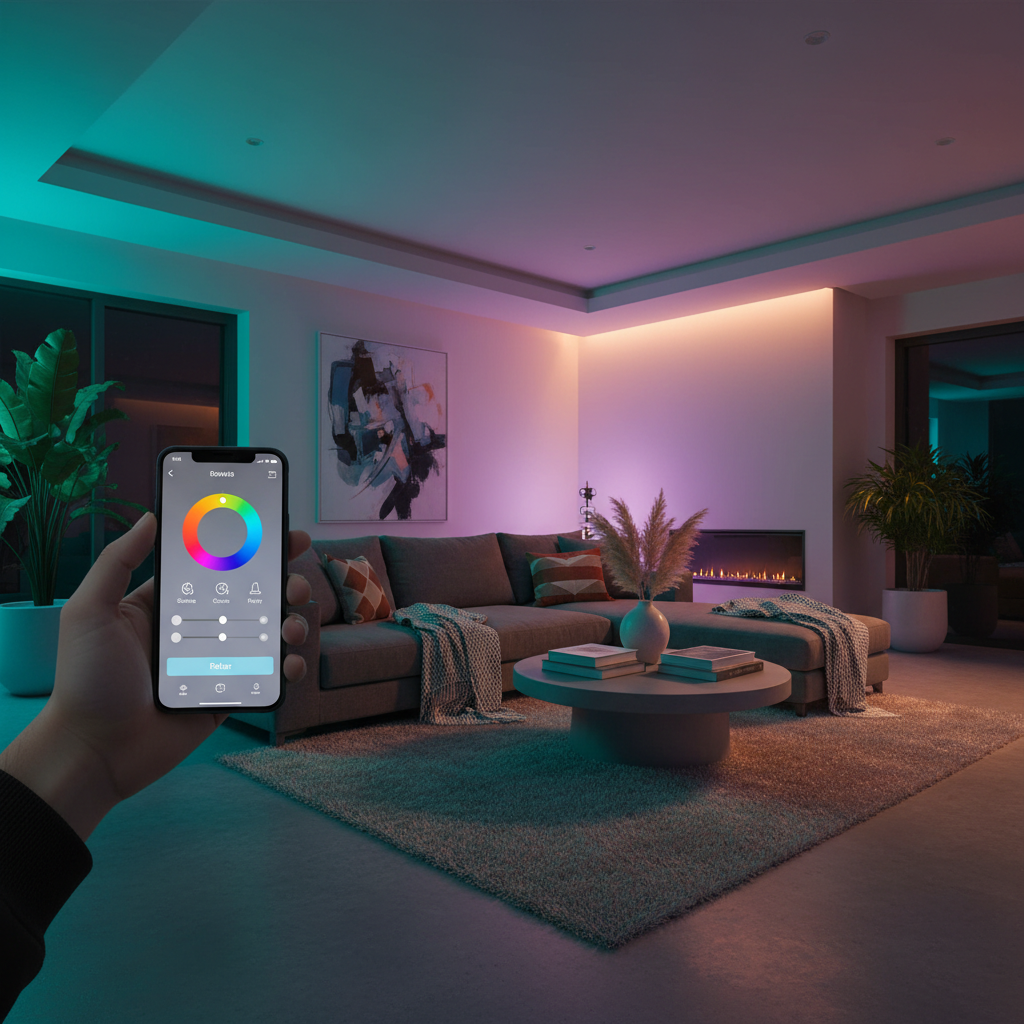
This guide focuses on practical picks and decision rules: which features matter, what to ignore, and how to set them up so they stay stable. You’ll also get a quick comparison table and a short troubleshooting checklist, because setup issues are where many “bad bulb” reviews actually come from.
What “budget” really means for color smart bulbs
In many households, budget bulbs work great for mood lighting, kids’ rooms, accent lamps, and parties. Where they can struggle is demanding use, like high-output kitchen lighting or perfectly consistent whites for tasks.
Here’s what typically changes as price drops:
- Color quality: Cheaper LEDs may look less saturated, especially greens and cyans, and some colors shift when dimmed.
- White light range: Many low-cost RGB bulbs do “white,” but it can look slightly pink, blue, or dull compared to a dedicated tunable-white bulb.
- Brightness (lumens): Budget color bulbs often land around 800 lumens (60W equivalent). Some feel dim once you pick a deep color.
- App polish + reliability: The bulb might be fine, the app might be the headache, especially if you rely on schedules.
- Connectivity choices: Wi‑Fi is common and easy, but can be less stable in crowded networks. Zigbee/Thread can be smoother, but may require a hub.
Quick comparison table: budget color bulbs by “type”
Instead of pretending there’s one universal winner, it’s more useful to compare by ecosystem and connection style. These categories cover most of what you’ll see when shopping for the best budget smart bulbs color changing.
| Bulb type | Best for | Trade-offs | What to check before buying |
|---|---|---|---|
| Wi‑Fi RGB (no hub) | Simple setups, renters, quick installs | Can crowd Wi‑Fi, occasional disconnects | 2.4 GHz support, app reviews, local control options |
| Zigbee RGB (hub required) | More reliable automations, larger homes | Needs a hub, compatibility varies | Works with your hub (Hue/SmartThings/etc.), bulb form factor |
| Matter-over-Wi‑Fi RGB | Cross-platform control (Apple/Google/Alexa) | Feature sets differ by platform | “Matter” label, supported controller, firmware updates |
| Thread/Matter RGB (border router) | Fast response, mesh stability | Needs Thread border router | Compatible border router, bulb availability/price |
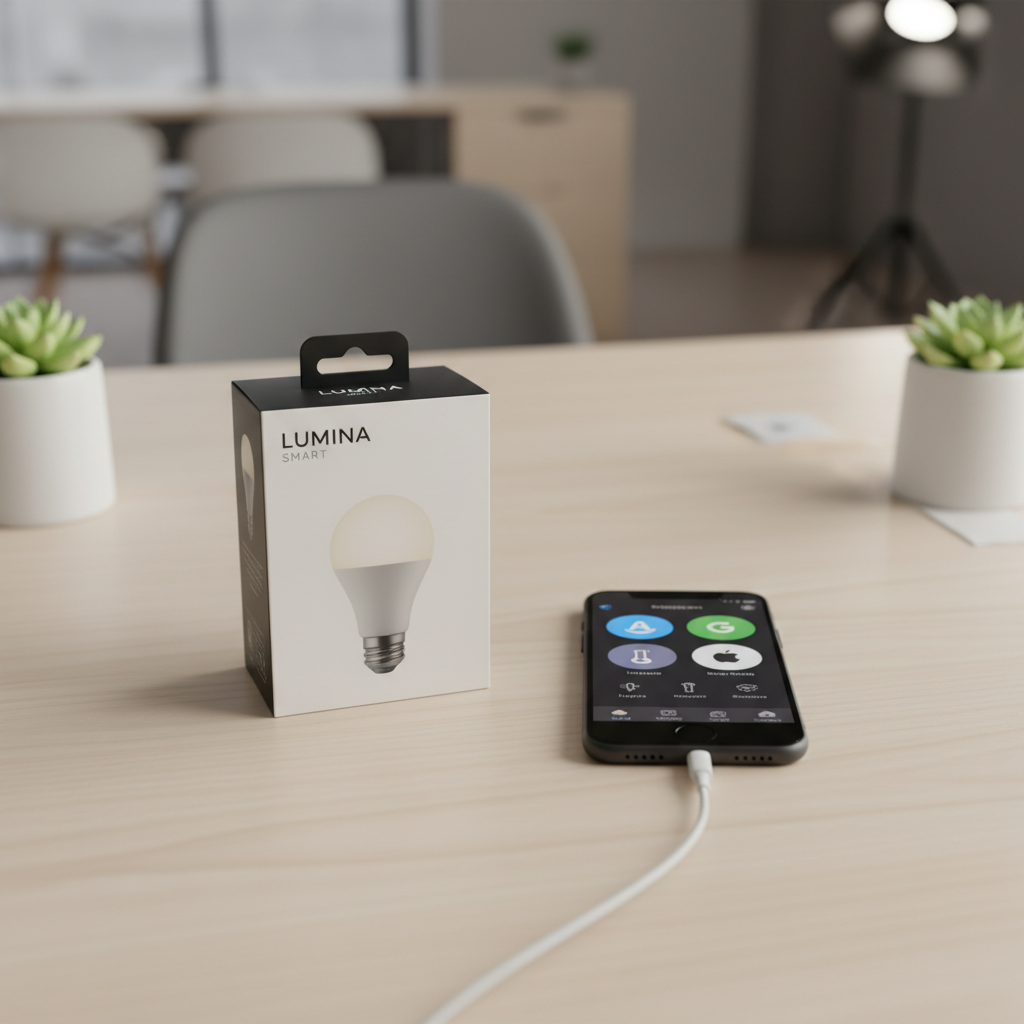
How to pick the best budget color changing smart bulbs for your room
If you buy purely on price, you’ll often end up replacing bulbs or living with annoyances. A better approach is matching the bulb to the job.
1) Start with the fixture and bulb shape
- A19/E26: Standard lamps and most ceiling fixtures in the US.
- BR30: Recessed cans, spreads light wider.
- GU10: Track lighting and some recessed fixtures, twist-lock base.
Get the shape wrong and everything else stops mattering, including color quality.
2) Check brightness the realistic way
For color bulbs, an “800-lumen” spec usually refers to white mode, not deep blue or purple. If you want color scenes that still feel bright, it helps to choose a bulb marketed as 75W equivalent or higher, if your fixture allows.
3) Decide what matters more: voice control or automation reliability
- If you mainly say “turn the lights purple,” Wi‑Fi bulbs are often fine.
- If you rely on schedules, motion sensors, and multi-room scenes, Zigbee/Thread options often feel more consistent, though they may not be the cheapest upfront.
4) Don’t ignore “white quality” if this is daily lighting
A common disappointment with budget RGB bulbs is the white mode looking flat. If this is your bedroom or home office, consider RGBWW (RGB plus dedicated warm/cool white LEDs) when available, or pair cheaper RGB accent bulbs with one good-quality white bulb for the main light.
Buyer’s checklist: spot a good budget bulb in 60 seconds
When you’re comparing listings, run this quick scan. It catches most of the usual problems before you hit “Buy.”
- Connection: Wi‑Fi (2.4 GHz) vs Zigbee vs Matter. If it’s Wi‑Fi only and your router is busy, expect more tuning.
- App + ecosystem: Works with Alexa/Google/HomeKit (or via Matter). If you need HomeKit, confirm native support or Matter support.
- Return window: Budget lighting varies by batch, so a clean return policy matters.
- Firmware updates: A brand that ships updates tends to fix dropout bugs over time.
- Color + white specs: Look for tunable white range (like 2700K–6500K) if you care about whites.
- Dimming behavior: “Flicker-free” is a good sign, but real-world results still depend on fixture and power quality.
According to the FCC, most consumer Wi‑Fi smart devices in the US operate in the 2.4 GHz band, so if a listing only mentions 5 GHz Wi‑Fi, treat it as a red flag or double-check the fine print.
Practical setup tips (this is where most frustration comes from)
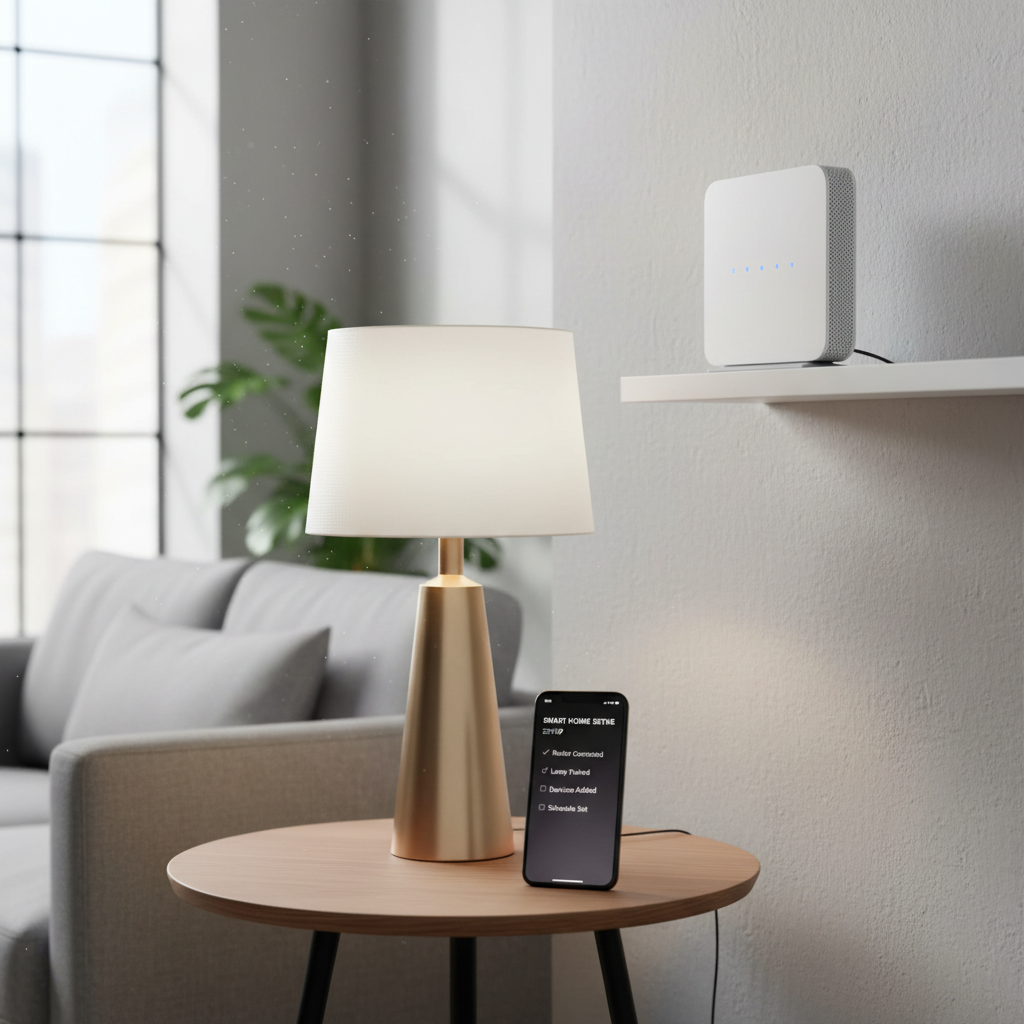
Even the best budget smart bulbs color changing can look “bad” if setup is sloppy. These steps reduce dropouts and weird behavior without turning your home into an IT project.
Make Wi‑Fi bulbs behave
- Use 2.4 GHz: Many bulbs won’t join 5 GHz networks, even if your phone does.
- Keep the bulb close during pairing: Pair near the router first, then move the lamp back.
- Give bulbs a stable network: If your router supports it, consider a dedicated IoT SSID on 2.4 GHz.
- Avoid power cuts: If you flip a physical switch off nightly, choose bulbs with “power-on behavior” settings, or keep the switch on and use a smart button.
Make hub-based bulbs worth the effort
- Place the hub centrally: Zigbee/Thread mesh improves when devices are spread out, not all on one side of the home.
- Add a few always-on repeaters: Smart plugs can help create a stronger mesh, depending on the ecosystem.
- Name and group rooms carefully: Clean naming makes voice commands and routines far less annoying.
Common mistakes that make budget bulbs feel “cheap”
A lot of negative reviews come from a few repeat issues. Fixing them usually costs nothing.
- Using RGB bulbs as the main task light: Deep colors reduce usable brightness, so the room feels dim and “muddy.” Use RGB for accent, and keep a solid white source for tasks.
- Mixing bulb brands in one scene: Different LEDs render color differently, so a “purple” scene can look like three different purples.
- Putting them on dimmer switches: Smart bulbs want full power. A wall dimmer can cause flicker or random resets. If you’re unsure, ask an electrician.
- Overloading the router: A big batch of Wi‑Fi bulbs can add chatter. In busy homes, this is where Zigbee/Thread starts paying off.
- Ignoring latency: If a bulb responds slowly, it may be network congestion, not “bad LEDs.” Try moving the router, changing channels, or reducing device load.
According to UL Solutions, following manufacturer instructions and using bulbs within rated fixtures helps reduce overheating and safety risks, which matters if you install bulbs in enclosed fixtures.
Recommended “buy paths” (simple scenarios)
If you want a quick decision, these paths work for most US homes.
Scenario A: One room, no hub, maximum simplicity
- Choose a reputable Wi‑Fi RGB bulb that supports Alexa/Google, or Matter if you want flexibility later.
- Aim for at least 800 lumens in white mode.
- Use scenes for color, and set your default to warm white for daily use.
Scenario B: Whole-home lighting, lots of routines
- Consider Zigbee or Thread/Matter bulbs with a compatible hub or border router.
- Mix bulb types intentionally: RGB in lamps and accents, tunable white in key ceiling fixtures.
- Spend time on grouping and naming once, then enjoy the stability.
Scenario C: You care most about color accuracy for vibe lighting
- Look for RGBWW when possible, and prioritize consistent brand/model across the same room.
- Test a 2-pack before committing to 12 bulbs.
Key takeaways (so you don’t overthink it)
- Budget doesn’t have to mean unreliable, but connection type and setup matter more than marketing claims.
- Wi‑Fi bulbs win on simplicity, hub-based bulbs often win on consistency at scale.
- White quality is the hidden deal-breaker for everyday rooms, not the rainbow colors.
- Buy one small pack first, test in your fixture, then expand.
Conclusion: the “best” budget bulb is the one that stays connected
The best budget smart bulbs color changing choice usually comes down to your tolerance for tinkering: if you want easy, pick a solid Wi‑Fi or Matter option and keep the setup clean; if you want dependable automations across many rooms, a hub-based approach tends to feel calmer day to day.
If you’re buying this week, pick one room, decide whether you want hub or no hub, then test a small pack for brightness, whites, and app stability. That one step saves more money than chasing the lowest price per bulb.
FAQ
- Are budget color smart bulbs bright enough for a living room?
Often yes in white mode, but many look noticeably dimmer in saturated colors. If it’s your main light source, consider higher-lumen models or use RGB bulbs for accents and keep a strong warm-white lamp for general lighting. - Do cheap color bulbs work with Apple Home?
Some do, but it depends on whether they support HomeKit natively or support Matter with an Apple home hub. If a listing is vague, assume you’ll need extra steps or a different platform. - Why do my smart bulbs disconnect from Wi‑Fi?
In many cases it’s 2.4 GHz congestion, weak signal at the lamp, or router settings. Try pairing close to the router, using a dedicated 2.4 GHz IoT network, and checking for firmware updates before blaming the bulb. - Is Matter always better for budget smart bulbs color changing?
Matter can make cross-platform control simpler, but features still vary by app and ecosystem. It’s a good “future-proofing” sign, not a guarantee of better colors or higher brightness. - Can I put smart bulbs on a dimmer switch?
Many manufacturers recommend avoiding traditional dimmers because the bulb expects full power. If you need wall dimming, look into smart dimmers with dumb bulbs, or confirm the bulb supports that setup, and consult an electrician if you’re unsure. - What’s the difference between RGB and RGBWW?
RGB uses red/green/blue to approximate white, which can look less natural. RGBWW adds dedicated white LEDs, so whites typically look cleaner and more comfortable for daily use. - How many Wi‑Fi smart bulbs are “too many” on one router?
It varies by router and household traffic. If you’re planning dozens of bulbs plus cameras and other devices, you’ll usually get fewer headaches with a hub-based system or a stronger router setup.
If you’re trying to narrow choices fast, focus on your ecosystem first (Alexa, Google Home, Apple Home, or Matter), then buy a small pack and test it in your actual fixture, that’s the quickest path to a setup that feels “set it and forget it” without overspending.