
Best cheap gaming mice under 30 usually come down to one thing: picking a mouse that matches your grip, game type, and setup, not chasing whatever “DPI number” looks biggest on the box.
Under $30, you can still get reliable sensors, solid clicks, and decent feet, but you typically have to compromise somewhere, maybe it’s weight, cable feel, or software polish. If you buy blind, you often end up with a mouse that feels fine in a menu and weird in a firefight.
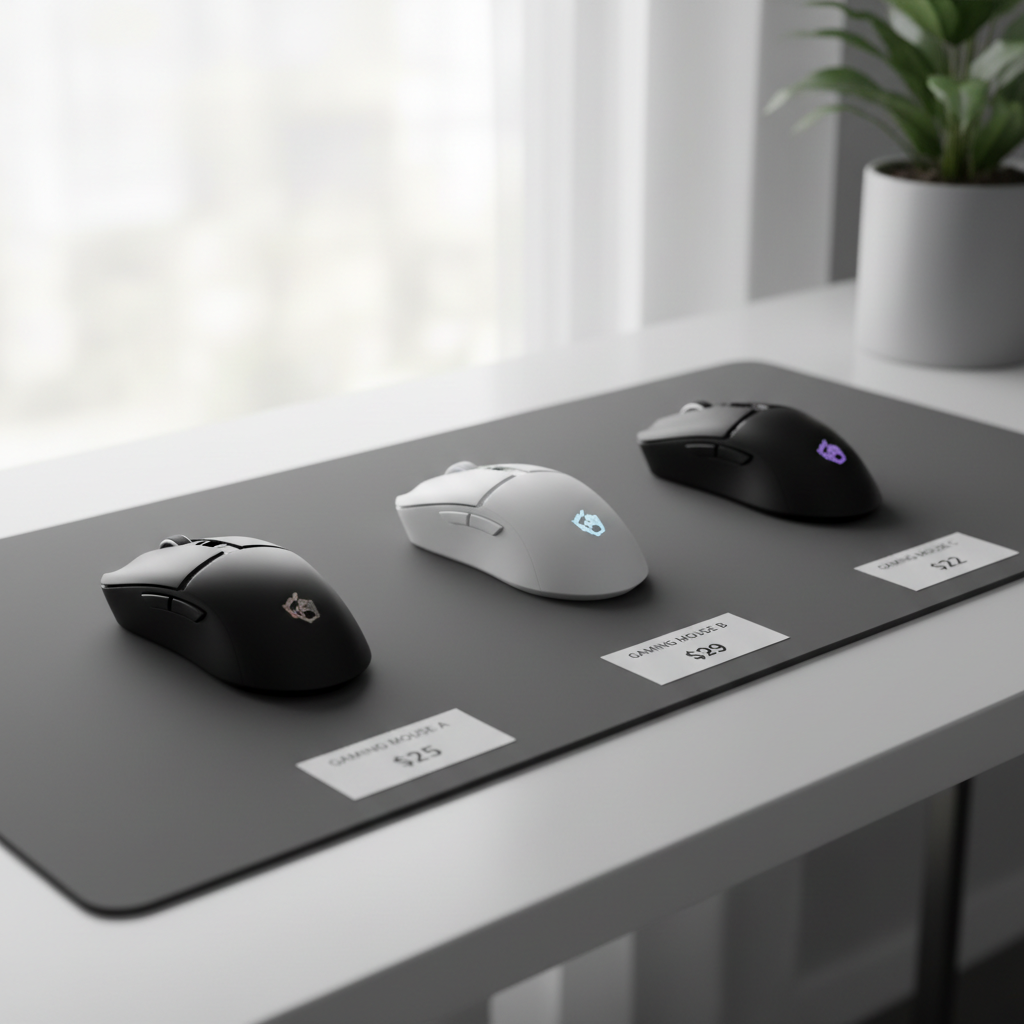
This guide focuses on what actually affects aim and comfort, how to spot deal-breakers fast, and a short list of mice types that tend to be safe picks at this price. You’ll also get a quick table so you can compare without overthinking it.
What “good” looks like under $30 (and what to ignore)
When people search for the best cheap gaming mice under 30, they usually want a mouse that tracks well, doesn’t double-click after a month, and feels comfortable for long sessions. That’s reasonable, but you need the right priorities.
- Sensor consistency beats max DPI: Most players sit somewhere around 400–1600 DPI plus in-game sensitivity. A stable sensor with no weird acceleration matters more than “12,000 DPI.”
- Shape is performance: If the hump hits your palm wrong, your micro-adjustments suffer. Comfort is not “luxury,” it’s control.
- Weight is preference, not a rule: Lighter can feel faster for FPS, but some people aim steadier with a bit more weight. Under $30, ultra-light options exist, just don’t assume lighter is always better.
- Cable and feet matter more than you think: A stiff cable can drag and mess with flicks, scratchy feet can feel “laggy.” These are common budget weak points.
According to NVIDIA (in its Reflex esports-focused guidance), reducing end-to-end latency is a real competitive factor. A mouse won’t “fix” your latency alone, but choosing stable tracking and a responsive feel helps you avoid fighting your gear.
Quick comparison table: common “best budget” profiles
Instead of pretending there’s one universal winner, it’s more honest to compare profiles. These are the categories you’ll keep seeing when shopping the under-$30 tier, and they map closely to real use.
| Profile | Best for | What to look for | Common trade-off |
|---|---|---|---|
| Lightweight wired “FPS-style” | Valorant, CS2, Apex | Comfortable hump, decent feet, flexible cable | Basic software, thinner shell feel |
| Ergonomic right-hand | Long sessions, mixed games | Palm support, grippy sides, steady clicks | Heavier, sometimes fewer onboard settings |
| Small/medium “claw” shape | Fast tracking, smaller hands | Narrow waist, crisp side buttons | Less comfy for full palm grip |
| Wireless value (sale-dependent) | Clean setup, casual competitive | 2.4GHz dongle, solid battery behavior | Heavier, performance varies by model |
How to tell if a budget mouse will work for you (fast checklist)
If you want the best cheap gaming mice under 30 for your specific hand and games, this quick self-check saves a lot of returns and “why does this feel off?” moments.
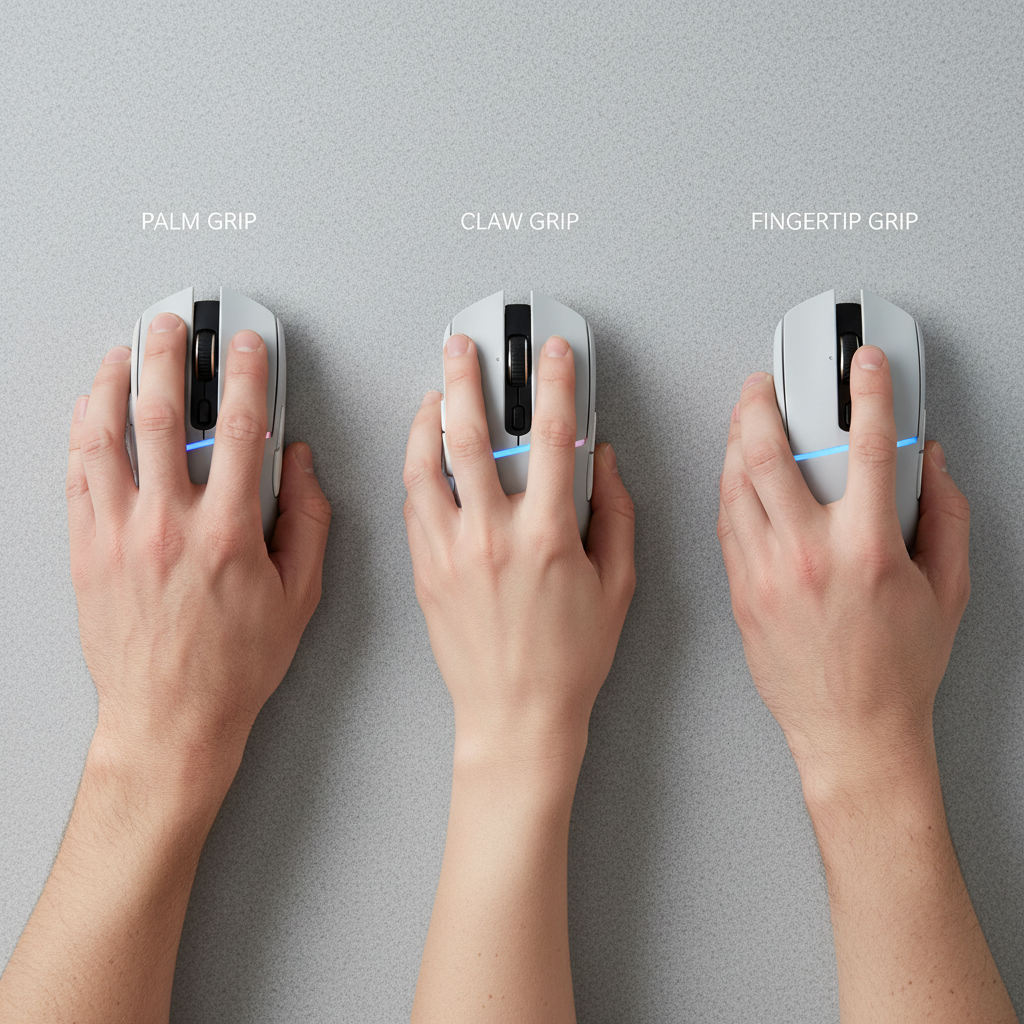
1) Grip and hand size (practical, not perfect)
- Palm grip: prioritize comfort, a supportive hump, and a shape that doesn’t force your fingers to curl too hard.
- Claw grip: look for a centered hump and a narrower mid-body for lift-and-reset control.
- Fingertip grip: lighter and smaller often feels better, but make sure the clicks don’t feel mushy.
2) Game type
- Tactical FPS: consistent tracking and predictable feet matter most, RGB and extra buttons matter least.
- Battle royale / arena: comfortable shape plus smooth glide helps, you do lots of micro + macro movement.
- MMO / MOBA: side buttons and scroll feel can be more important than weight.
3) Setup reality check
- Low-sensitivity players tend to notice cable drag and rough feet faster.
- If you use a cheap desk mat, even a great mouse can feel scratchy, a decent mousepad sometimes fixes “mouse problems” instantly.
Key specs that matter at this price (and how to read them)
Budget listings can be noisy. Here’s what tends to correlate with a good experience, especially when you’re hunting the best cheap gaming mice under 30 and trying to avoid the “looks cool, plays bad” trap.
- Polling rate: 1000Hz is common and fine. If it’s adjustable, great, but don’t pay extra just for the number.
- Sensor behavior: watch for terms like “acceleration,” “prediction,” or users mentioning “spin-outs.” Those are red flags for aim consistency.
- Switch feel: you want crisp, repeatable clicks. Double-clicking complaints can happen with any brand, but a pattern is a pattern.
- Feet: PTFE feet are a plus. Thin, rough, or tiny feet can make tracking feel inconsistent.
- Onboard memory: nice to have if you game on multiple PCs or hate running software in the background.
According to USB-IF (the USB Implementers Forum), USB standards define how devices communicate over USB. In plain terms, a stable wired connection and sane firmware matter more than marketing claims, especially on lower-cost peripherals.
Shortlist strategy: how to shop smart under $30
You can absolutely find strong value, but you usually need a strategy because the market changes week to week with sales. Here’s a practical way to narrow it down without reading 200 reviews.
Step 1: Pick your “non-negotiable”
- If you mainly play FPS: prioritize shape + glide + sensor reputation.
- If you play MMO/MOBA: prioritize button placement + scroll reliability.
- If you hate cables: focus on 2.4GHz wireless models that regularly drop under $30 on sale.
Step 2: Filter out common budget deal-breakers
- Software that won’t save settings or resets after reboot.
- Side buttons with wobble if you bind abilities or push-to-talk.
- Stiff rubber cable if you play low sens and do big swipes.
- Very glossy shell if your hands sweat, slipping kills control.
Step 3: Use returns like a pro
For comfort and shape, there’s only so much you can predict online. If your retailer has easy returns, test the mouse for a few nights, pay attention to wrist tension and fingertip strain, and don’t force it if it feels wrong.
Simple setup tips to make any budget mouse feel better
Before you blame the mouse, fix the two settings mistakes that quietly ruin aim. This is where a lot of “my cheap mouse is bad” stories come from.
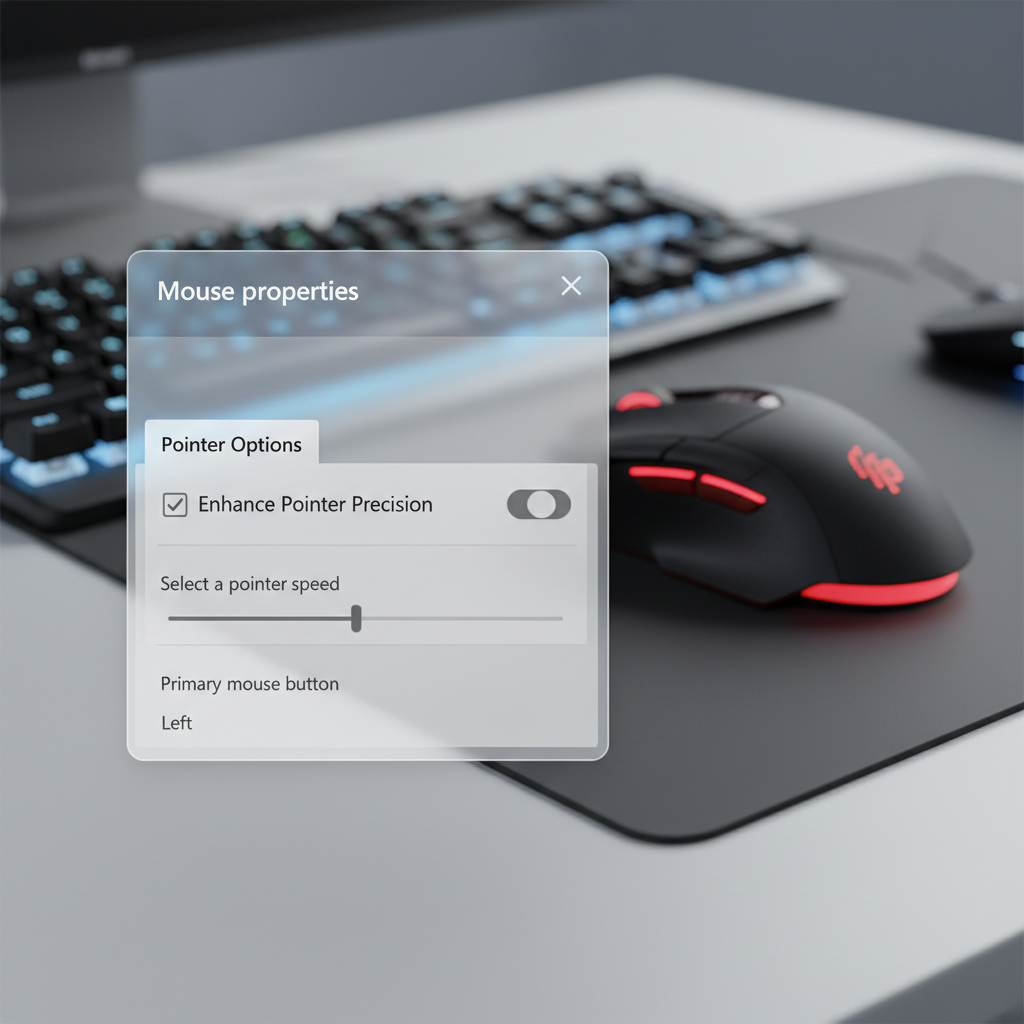
- Turn off Windows Enhance Pointer Precision if you want consistent raw input behavior in most shooters.
- Set DPI once, then stop touching it: pick 800 or 1600 as a starting point, then adjust in-game sensitivity.
- Check lift-off behavior: if you lift and reset a lot, a mouse that tracks while lifted can feel messy. Many games also offer raw input settings that help.
- Upgrade the mousepad before upgrading the mouse: a smoother pad often improves “control” more than you’d expect, even with the same hardware.
Common mistakes when buying cheap gaming mice
- Buying for specs, not shape: an uncomfortable mouse with a “great sensor” still performs poorly for you.
- Overpaying for RGB: lighting is fun, but under $30 it can replace better feet, cable, or build quality.
- Ignoring your desk space: if you have a small pad, super-low sensitivity becomes annoying fast.
- Expecting premium wireless at any price: some wireless deals are excellent, but if battery life or connection stability seems inconsistent in reviews, take that seriously.
Conclusion: the smartest way to pick under $30
The best cheap gaming mice under 30 are the ones that disappear in your hand, tracking feels predictable, clicks feel consistent, and nothing about the cable or glide nags at you mid-match.
Pick your grip and game needs first, then shortlist two or three shapes that sound right, and finally use setup tweaks to squeeze out performance. If you do those three things, you’ll usually end up with a budget mouse that feels “way above its price.”
Action step: choose one profile from the table, set a max budget of $30 before tax, and only compare models that match your grip style and button needs, everything else is noise.
FAQ
What should I prioritize most when choosing a mouse under $30?
Shape and consistent tracking beat flashy specs. If the mouse fits your grip and doesn’t feel jittery or draggy, you’re most of the way there.
Is 800 DPI better than 1600 DPI for FPS games?
Both can work. Many players prefer 800 for finer in-game sensitivity ranges, while 1600 can feel a bit snappier on some setups, the key is consistency and muscle memory.
Can I get a good wireless gaming mouse for under $30?
Sometimes, usually during sales. Look for 2.4GHz dongle models with steady user feedback on connection stability, and be realistic about weight and battery trade-offs.
Do cheap gaming mice have worse sensors?
Not always. Plenty of budget sensors track well for most players, but quality control and firmware can vary more, so it’s worth scanning for repeated complaints about spin-outs or weird acceleration.
How do I know if a mouse is too big or too small?
If your fingers feel forced to over-curl or your palm can’t settle without tension, the size is probably off. Discomfort usually shows up within a few gaming sessions, not months later.
Are honeycomb shells good or bad?
They can be fine and help reduce weight, but some people dislike the feel or how dust builds up. If you snack at your desk or hate cleaning gear, a solid shell may be less annoying.
Should I install the mouse software?
If you need button remaps, debounce settings, or RGB control, yes. If the software feels buggy, set what you need, save to onboard memory if possible, then close it.
If you’re trying to keep your setup cheap but still want your aim to feel consistent, start by narrowing to one grip-friendly shape and one reputable sensor family, then watch for sales; that approach is usually more “budget-proof” than chasing whatever claims the highest DPI this week.