
best budget portable keyboards for travel sounds simple, until you realize most “cheap and small” options fail in the same few ways: spotty Bluetooth, cramped key spacing, weak battery life, or a layout that makes real work miserable.
If you travel for work, school, or even just long weekends, a dependable portable keyboard can quietly fix a lot, faster emails, less wrist strain than pecking at a tablet, and fewer mistakes than typing on a phone screen.
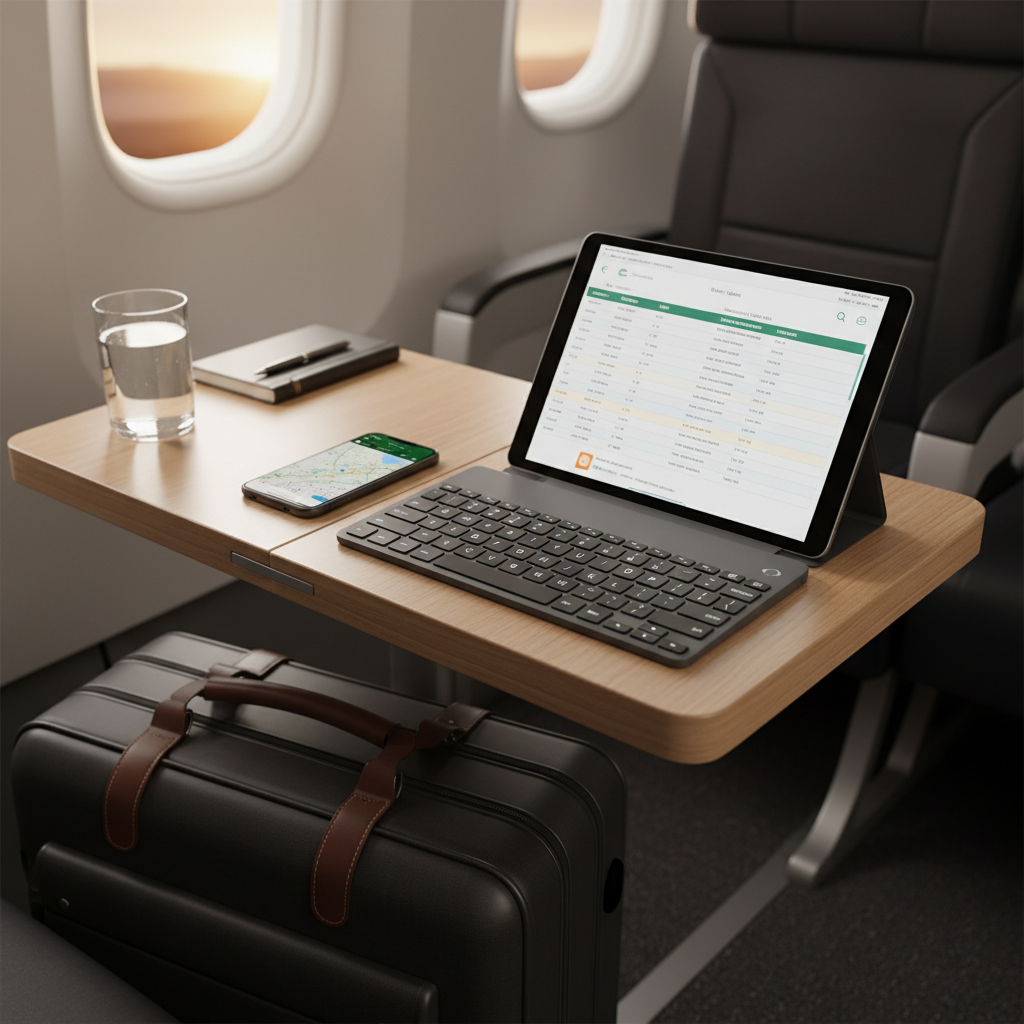
This guide focuses on what actually matters for budget models in 2026, how to choose the right size, what trade-offs are fine, and which “dealbreaker” issues are worth avoiding even if the price looks great.
What “budget” really means for travel keyboards in 2026
In practice, “budget” is less about a single price and more about skipping premium extras while keeping the core experience solid: stable wireless, a tolerable key feel, and a build that survives a backpack.
According to IEEE, Bluetooth is designed for low-power short-range connections, which is great for travel setups, but it also means interference and pairing behavior vary by device, especially in crowded environments like airports and hotels.
- Typical budget sweet spot: compact Bluetooth keyboards with multi-device switching, basic backlighting (sometimes), and plastic housings.
- Common compromises: no metal chassis, weaker keycaps, fewer shortcut keys, or a smaller battery.
- What you should still demand: reliable wake-from-sleep behavior, consistent keystrokes, and a return policy.
Quick buying checklist (use this before you compare models)
If you only do one thing, run through this list. It saves you from buying a “cute” keyboard that becomes dead weight on day two.
- Device match: iPadOS, Android, Windows, macOS, or mixed? Confirm the keyboard has OS shortcuts you’ll use.
- Connection type: Bluetooth is travel-friendly; 2.4GHz dongles can be steadier on laptops but are easier to lose.
- Layout tolerance: 60%/65% saves space, but the missing function row can slow you down in Excel or coding.
- Key feel: scissor-switch is quiet and familiar; low-profile mechanical can feel better but may be louder.
- Battery strategy: USB-C charging beats coin cells for most travelers; coin cells can be convenient if you pack spares.
- Weight and footprint: measure your bag pocket, not your imagination.
- Return window: budget keyboards vary, returns are your safety net.
Top budget-friendly portable keyboard types (and who they fit)
Instead of pretending there is one “best,” it’s more useful to pick the category that matches how you travel.
1) Ultra-slim scissor-switch Bluetooth keyboards
These feel closest to a laptop keyboard, tend to be quiet in cafes, and are usually the easiest transition if you just want to type normally.
- Good for: writers, students, business travel
- Watch for: flexy chassis, shallow keys that feel “mushy”
2) Foldable keyboards (hinged or tri-fold)
Foldables win on packing convenience, but the hinge line and narrow key widths can bother people who touch-type fast.
- Good for: minimalist packing, emergency typing, short bursts
- Watch for: uneven key feel near hinges, missed keystrokes

3) Compact low-profile mechanical keyboards
If you type a lot, this category can be worth it even on a budget, but you need to be honest about noise and weight.
- Good for: long typing sessions, programmers, people picky about key feel
- Watch for: loud switches, taller key height that can tire wrists without a rest
4) Tablet keyboard cases (budget-friendly “all-in-one”)
For iPad or Android tablet travelers, a keyboard case can be the simplest setup, though the typing experience varies a lot by brand and hinge design.
- Good for: people who always carry the same tablet
- Watch for: trackpad quality, wobble on your lap, heavy cases
Comparison table: choose by travel scenario, not hype
This table won’t name specific models, because the best budget portable keyboards for travel often change monthly with sales, revisions, and availability, but the decision logic stays stable.
| Scenario | Best keyboard style | What to prioritize | Common regret |
|---|---|---|---|
| Frequent flights, tight tray tables | Ultra-slim scissor Bluetooth | Stable Bluetooth, compact width, quick wake | Buying too wide, it doesn’t fit the tray |
| One-bag travel, tiny daypack | Foldable keyboard | Hinge durability, key spacing, return policy | Hate typing feel, stop using it |
| Digital nomad, long work sessions | Low-profile mechanical | Switch noise, battery, keycap quality | Too loud in coworking spaces |
| Tablet-first (iPad/Android) | Keyboard case | Hinge stability, shortcut keys, weight | Case turns the tablet into a brick |
| Hotel desk, laptop + phone | Scissor or compact mechanical | Multi-device switching, USB-C charging | Switching devices is clunky |
How to evaluate a budget keyboard fast (without getting tricked by reviews)
Online reviews can be noisy because people test at home, not on the road. Try this quick evaluation approach once you have a shortlist.
Do these 5 checks before buying
- Look for real layout photos: avoid listings that only show renders, especially for nonstandard Enter/Shift keys.
- Check charging port type: USB-C is the least annoying in a travel kit.
- Confirm multi-device pairing: if you switch between laptop and tablet, you want dedicated keys, not a deep shortcut.
- Read complaints for patterns: one defective unit happens, repeated “drops connection” comments are a signal.
- Verify key rollover expectations: most travel boards are fine for typing, not for competitive gaming combos.
When you receive it, run a 10-minute “travel test”
- Pair it with your main device, then put the device to sleep and wake it five times.
- Type a paragraph at your normal speed, watch for double-letters or missed keys.
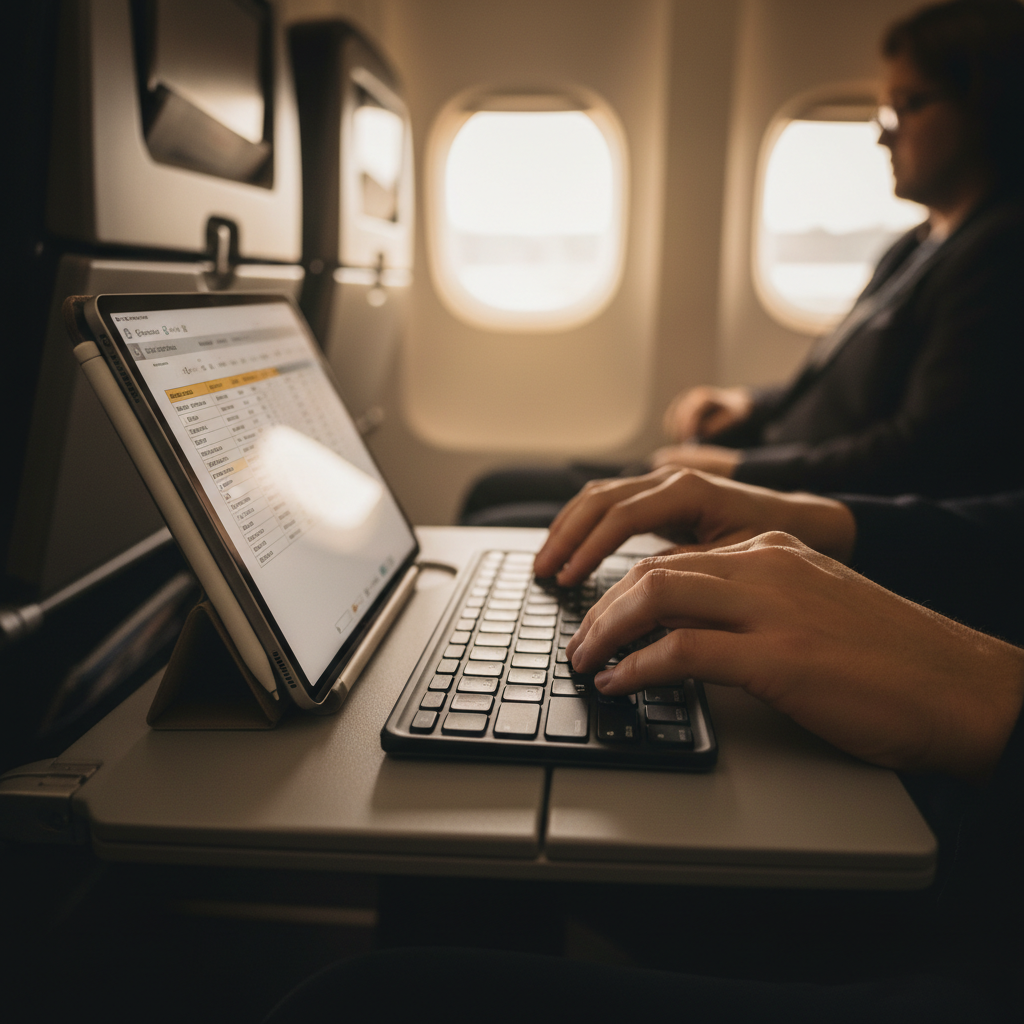
- Try it on your lap and on a small surface, some keyboards flex in ways you won’t notice at a desk.
Practical setup tips for travel (small tweaks, big difference)
A budget keyboard can feel “premium enough” if the setup is thoughtful, and feel awful if it’s fighting your posture and workflow.
- Carry a short USB-C cable: 6–12 inches reduces cable mess and charges faster than hunting outlets.
- Add a phone/tablet stand: typing angle matters, even a cheap folding stand can help.
- Use an OS text expansion tool: travel typing often means repetitive addresses, signatures, and links.
- Turn off aggressive power saving: if your device kills Bluetooth too quickly, the keyboard feels “laggy” even when it’s not.
- Pack a thin sleeve: keys rubbing against chargers can cause scuffs or popped keycaps.
Common mistakes to avoid (where budget buys go wrong)
Most regrets come from mismatch, not from a keyboard being “bad.” A few pitfalls show up repeatedly.
- Over-optimizing for tiny size: smaller than 60% can be impressive, but daily work may turn into constant typo correction.
- Ignoring shortcut keys: iPad users often miss brightness, volume, and media controls after buying a generic layout.
- Assuming all Bluetooth is equal: some combos work smoothly with a MacBook but act flaky with certain Android devices.
- Buying loud switches for shared spaces: if you work in quiet spots, a clicky keyboard becomes social friction fast.
- Skipping ergonomics completely: if you feel wrist pain, consider a slightly thicker keyboard plus a palm rest, and if pain persists, it may be worth asking a clinician or ergonomics specialist.
Conclusion: how to pick your “best” travel keyboard on a budget
The best budget portable keyboards for travel are the ones you actually enjoy using in cramped, real-world conditions, not the ones with the most features on a product page. Start with your travel surface, tray table, hotel desk, lap, then choose the keyboard style that matches that reality.
If you want a simple next step, pick one scissor-switch Bluetooth option and one foldable option within your budget, order from a retailer with easy returns, then keep the one that passes the 10-minute travel test without annoying you.
FAQ
What size keyboard is best for travel if I type a lot?
For many people, a compact 65% layout or a slim full-width scissor keyboard hits the balance. Foldables can work, but long sessions often expose layout quirks and hinge discomfort.
Are foldable keyboards reliable enough for daily work?
Some are, but reliability varies more than with standard designs. If you depend on it for daily work, prioritize return policy, hinge build quality, and consistent key response over ultra-thin marketing.
Should I choose Bluetooth or a 2.4GHz USB dongle for travel?
Bluetooth is usually more convenient because you don’t have to carry a dongle, especially with tablets. A dongle can feel steadier on certain laptops, but it’s easier to lose and can be annoying on machines with limited ports.
Do I need backlighting on a travel keyboard?
Only if you often type in dim cabins or low-lit rooms. Backlighting can reduce battery life, so if you usually work in daylight or well-lit spaces, you may prefer better key feel instead.
What’s the biggest red flag in budget keyboard listings?
Vague specs and no clear photos of the real layout. If the product page hides key spacing, port type, or battery details, you’re more likely to get a “surprise” keyboard that doesn’t fit your workflow.
Will a travel keyboard work well with an iPad or Android tablet?
Often yes, but you’ll want to confirm OS shortcut support and whether pairing is stable with your specific device. If you use it tablet-first, a keyboard case can be simpler, though it usually adds weight.
How do I reduce wrist strain when typing on the go?
Raise your screen with a stand and keep the keyboard at a comfortable height, rather than hunching over a tablet on your lap. If discomfort persists or worsens, it’s sensible to consult a healthcare professional for personalized advice.
If you’re trying to narrow down best budget portable keyboards for travel without buying three and returning two, share your devices, where you type most often, and your must-have features, and I can help you build a tighter shortlist that fits your setup.