
Best car phone mounts 2026 isn’t really about what looks sleek on a product page, it’s about whether your phone stays put on rough roads, stays within reach, and doesn’t turn into a distraction when you need directions.
If you’ve ever had a mount sag in summer heat, wobble every time you tap the screen, or block an air vent when you need A/C, you already know why picking the right style matters. A “good enough” mount can feel fine for a week, then fail at the worst time.
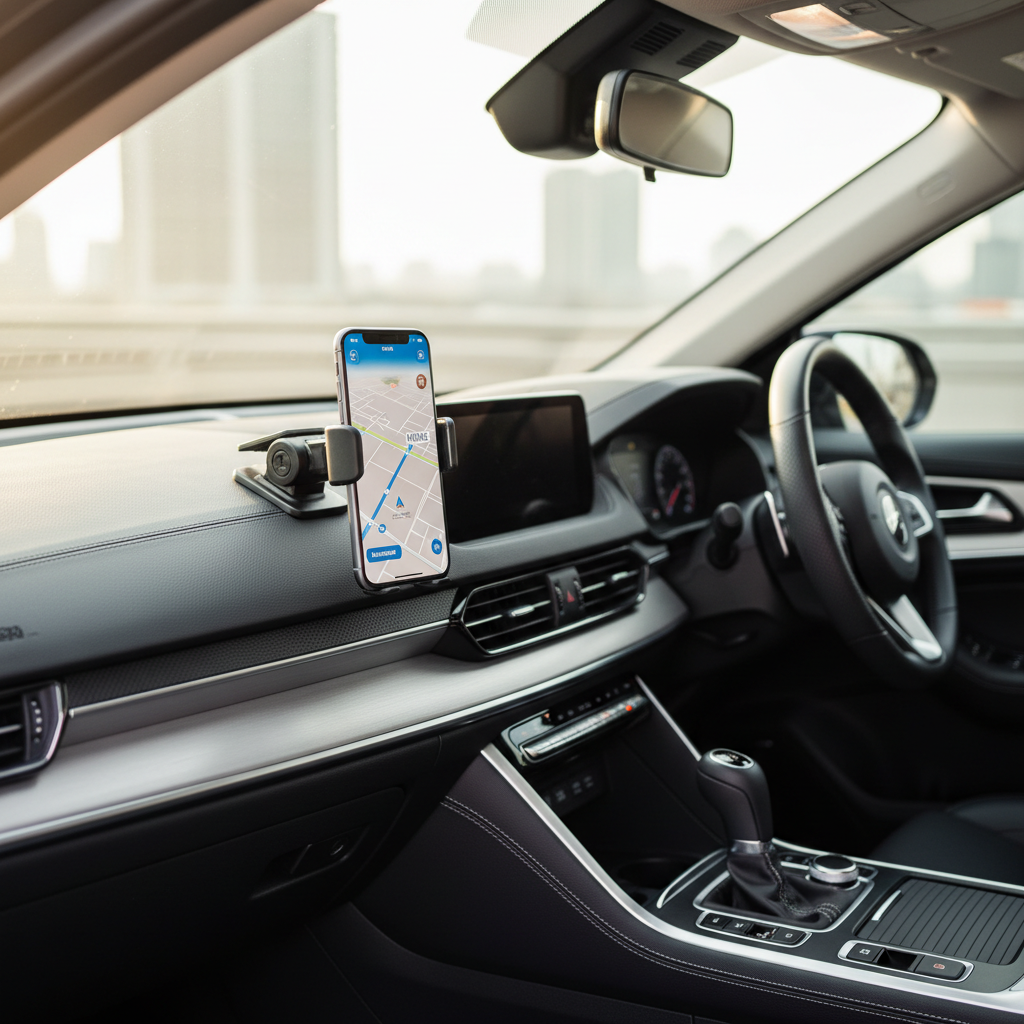
This guide walks through the mount types that usually work best in real U.S. driving conditions, what to check before buying, and how to install for a stable view without blocking your sightline.
What “best” means in 2026: the problems mounts should solve
In 2026, the baseline expectation is simple: steady phone, easy one-hand docking, and minimal distraction. The “best” option depends on your car layout and how you use your phone, but most people end up optimizing for a few repeat pain points.
- Stability on imperfect roads: a solid arm and tight joints matter more than fancy features.
- Heat and cold tolerance: adhesives and suction cups can weaken in extreme temps, especially on textured dashboards.
- Camera bump + big phones: modern phones sit unevenly, some clamps press buttons or fail to grip thick cases.
- Charging compatibility: many drivers want a mount that plays nicely with USB-C cables or wireless charging pads.
- Safe placement: you want quick glance visibility without blocking your view or forcing long reaches.
According to National Highway Traffic Safety Administration (NHTSA), taking your eyes off the road to interact with a phone increases crash risk, so your mount choice should reduce fiddling, not add to it.
Quick comparison table: mount types and who they fit
This isn’t a “one mount wins” category. Here’s the practical tradeoff view, the way most drivers end up deciding.
| Mount type | Best for | Pros | Common downsides |
|---|---|---|---|
| Vent mount | Short commutes, smaller phones, simple installs | Fast setup, clean look, easy to move between cars | Can block airflow, may sag on heavy phones, not ideal for fragile vent blades |
| Windshield suction | Drivers who want high visibility | Strong hold on clean glass, flexible positioning | May violate local rules if it blocks view, can loosen in heat |
| Dashboard suction / adhesive | Drivers who want lower placement than windshield | Good reach, often stable when installed correctly | Textured dash can be tricky, adhesive can leave marks |
| CD-slot mount | Cars with unused CD slots in a good location | Very stable, no vent blocking | Not available on many newer cars, can interfere with controls |
| Magnetic mount | People who want fastest on/off | Quick docking, minimal clamp wear | Needs metal plate or MagSafe, strength varies with phone/case |
| Wireless charging mount | High-mileage drivers, rideshare, heavy navigation use | Less cable hassle, keeps battery topped up | Heat buildup possible, charging speed varies, alignment matters |
How to choose the best car phone mounts 2026 for your car and phone
Before you pick a brand, decide your “non-negotiables.” Most returns happen because people pick a mount type that fights their interior layout.
1) Check your mounting surface and reach
- Vents: look for sturdy, deeper blades; circular turbine vents often need specific hooks.
- Dashboard texture: shiny flat dash works better for suction; heavily grained surfaces often need an adhesive base.
- Windshield angle: steep rakes can make long arms wobble unless joints lock tightly.
- Reach: if you must lean forward to tap, it won’t feel safe long-term.
2) Match the holder to your phone size and case
- Clamp width: big “Pro Max” style phones need wide jaws with padding.
- Button placement: some side clamps squeeze power/volume buttons, especially on Android models.
- Case thickness: rugged cases can defeat auto-clamps or wireless charging alignment.
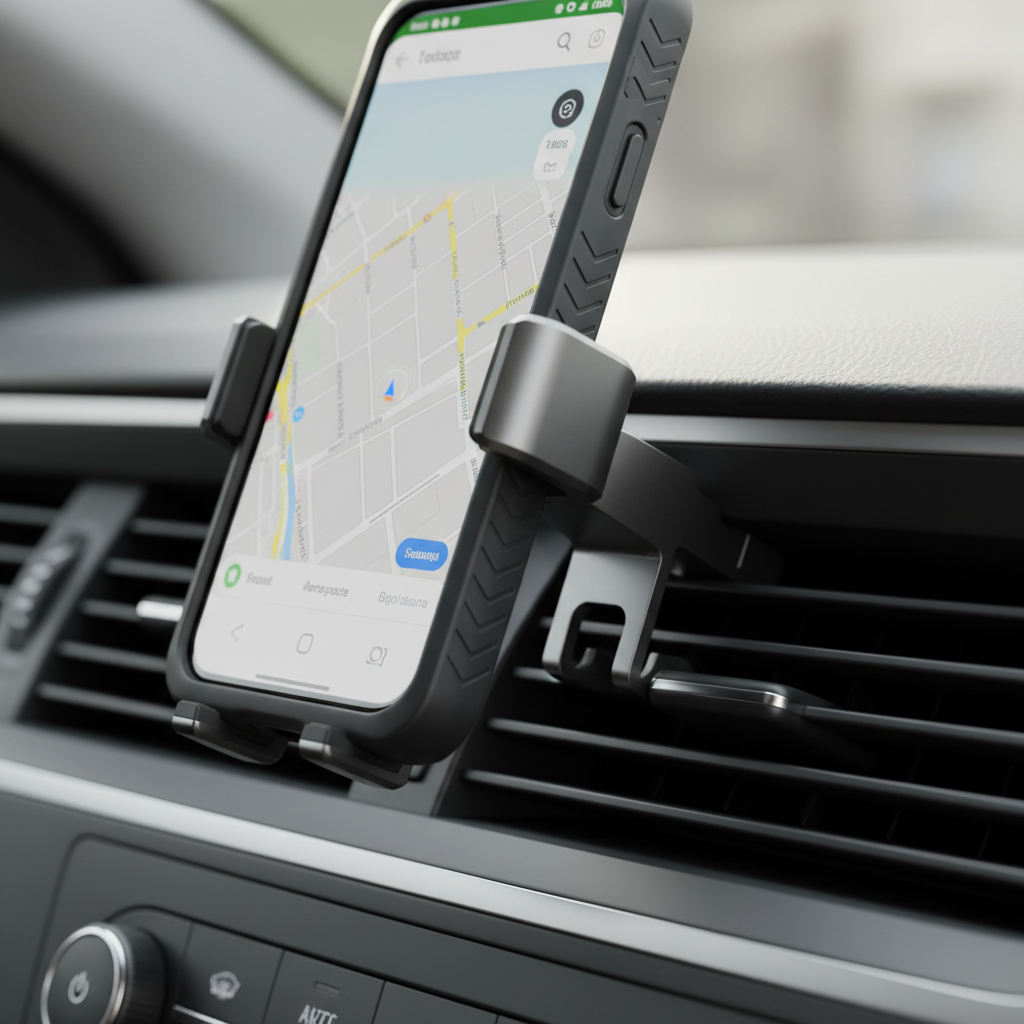
3) Decide whether you want magnets, clamps, or MagSafe-style mounting
Magnets feel effortless, clamps feel universal. If you use an iPhone with MagSafe, a MagSafe-compatible mount can be a sweet spot, fast docking without adding metal plates. On Android, magnets work well too, but you may need a ring plate and some cases make that annoying.
4) Consider charging and heat
If you run navigation for long drives, a charging mount helps, but pay attention to warmth. Wireless charging can run hot in direct sun, and in many cars the windshield area heats up fastest. In hot climates, a vent mount paired with A/C airflow can actually help manage temperature, though it’s not perfect.
Self-check: are you buying the wrong style?
If any of these sound familiar, adjust your plan before you click “buy.” It saves time and frustration.
- You want a vent mount, but your vents are loose or angled downward, this often leads to droop.
- You want a windshield mount, but your state or local rules restrict windshield obstructions, or you hate anything in your line of sight.
- You want a magnetic mount, but you switch phones/cases often and don’t want to re-stick plates.
- You want wireless charging, but your phone already runs hot during GPS calls, a charging pad may add heat.
- You tap the screen a lot, a long flexible arm tends to bounce unless it’s very rigid.
Practical recommendations by driving scenario
Instead of naming “the one winner,” here’s what typically works best by use case, which is how most drivers actually shop for the best car phone mounts 2026.
Daily commuting (10–40 minutes)
- Good fit: vent mount with a locking hook, or a compact dash suction mount.
- Why: quick install, less bulk, easy to adjust for glare.
Road trips and heavy navigation
- Good fit: dashboard mount with a strong base, or a stable windshield suction with a short arm.
- Also consider: charging support, cable routing clips to reduce clutter.
Rideshare/delivery drivers
- Good fit: wireless charging mount (if heat stays manageable) or a rugged clamp mount with one-hand release.
- Why: frequent stops mean frequent docking, the mount must survive repeated use.
Older cars or “no good dash surface” interiors
- Good fit: CD-slot mount (if available) or a vent mount built for heavier phones.
- Why: avoids sticky bases on delicate dashboards.
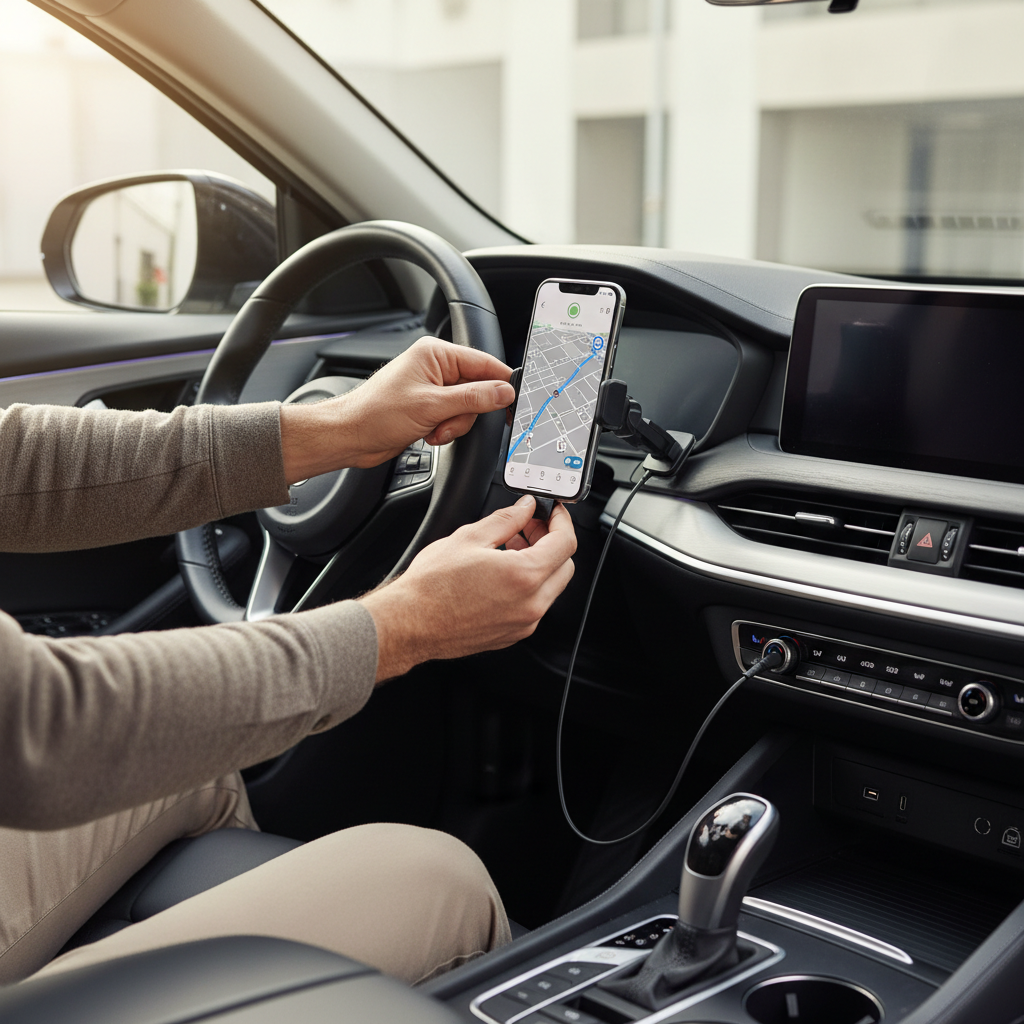
Installation tips that prevent wobble, drops, and frustration
A decent mount installed poorly behaves like a bad mount. These steps are boring, but they’re the difference between stable and shaky.
- Clean first: wipe glass or dash with isopropyl alcohol, then let it fully dry before suction/adhesive.
- Warm the surface: in cold weather, mild warmth helps suction and adhesive bond, avoid extreme heat.
- Lock the joints: tighten pivots after you set your viewing angle, “hand tight” often isn’t enough.
- Choose a shorter arm: less leverage means less bounce when you tap.
- Route your cable: run it along trim lines so it doesn’t pull the phone when turning.
According to Apple, using high temperatures can reduce battery performance, so if your mount placement puts the phone in direct sun for hours, consider lowering the position or using a vent location when practical.
Safety notes and common mistakes
This is the part many people skip, then wonder why the mount “failed.” Some failures are really placement issues.
- Don’t block airbags: avoid mounting over airbag panels or deployment paths, check your owner’s manual if unsure.
- Avoid sightline obstruction: if the phone sits where you’d normally scan for pedestrians, move it.
- Don’t overtighten vent hooks: it can crack vent blades, especially on older vehicles.
- Magnet + compass/GPS worries: modern phones usually tolerate magnets, but if you notice navigation oddities, try repositioning or switching mount type.
- Wireless charging heat: if your phone becomes uncomfortably warm, take a break from charging and consider a wired setup.
If you rely on hands-free calling, pairing with your car’s Bluetooth and using voice control typically reduces screen touches, which is the real goal.
Conclusion: picking the right mount without overthinking it
The best car phone mounts 2026 usually come down to fit and placement more than hype: pick a mount type that matches your interior, prioritize stability over long arms, and set it where you can glance without hunting. If you do just that, most “my mount keeps falling” problems disappear.
Action steps: measure your phone with its case, decide your mounting surface, then install carefully with a clean surface and tight joints. If you still get wobble, shorten the arm or switch to a more rigid mount style rather than endlessly re-sticking the same base.
If you’re trying to choose between two mount styles and want a more hands-off answer, it can help to list your car model, vent style, and phone size, then match those constraints to a mount type before you compare brands.