
best budget laptop chargers replacement usually means one thing, you need something that works today, doesn’t fry your laptop, and doesn’t cost as much as a new machine.
Replacement chargers are deceptively tricky because the “cheap” options range from totally fine to quietly risky, and the listings don’t always make it obvious which camp they’re in. The good news is you can make a solid choice by matching a few specs, checking connector type, and buying from sellers that don’t hide the basics.
This guide focuses on what matters for everyday buyers in the US: how to read charger labels, what “compatible” should really mean, where budget chargers make sense, and when you should stop trying to save $15 and buy OEM.
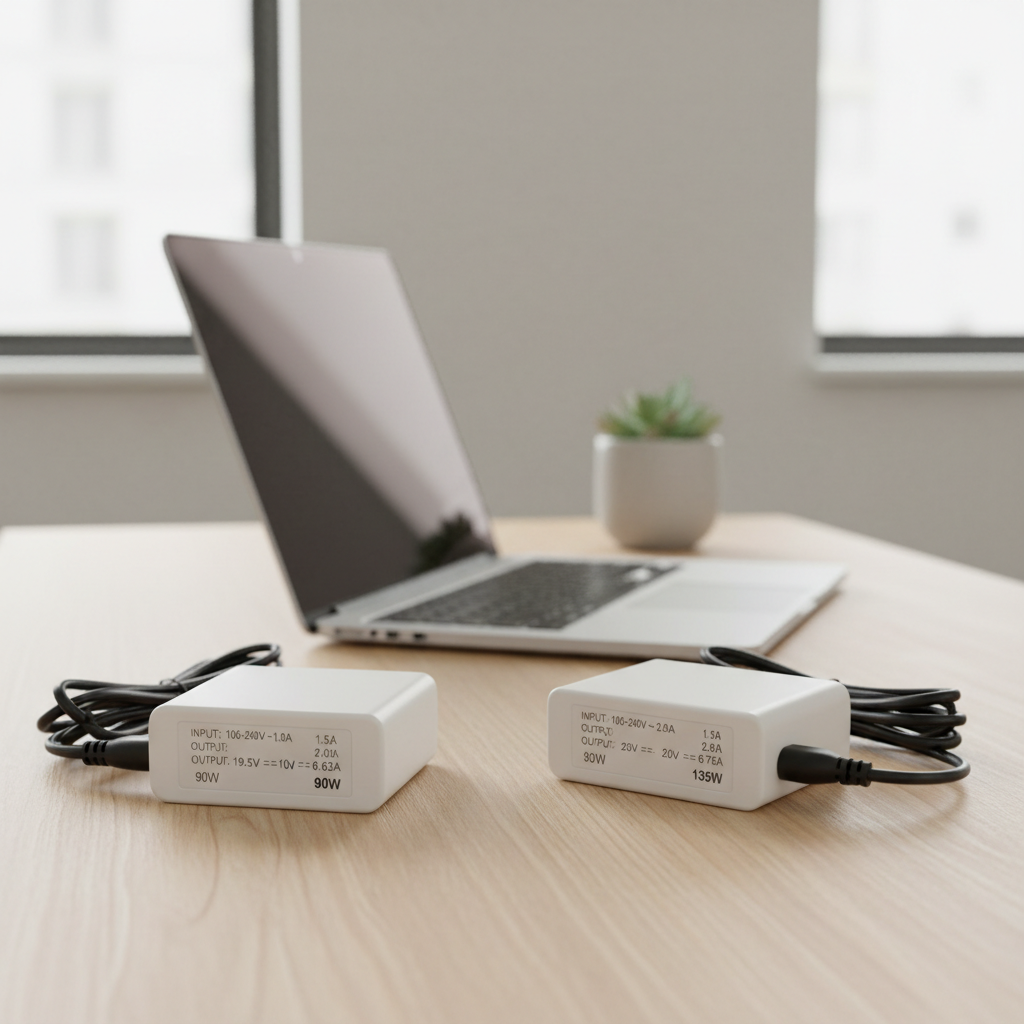
What “budget replacement” really means (and what it should include)
A budget replacement charger can be perfectly acceptable, but it should still cover the same fundamentals as the original: stable power delivery, correct connector fit, and basic electrical protections.
In practical terms, a “good cheap” charger tends to include over-voltage protection, over-current protection, and short-circuit protection, plus a decently thick cable that doesn’t feel like it will split at the strain relief after two weeks.
- Good sign: the listing shows clear output specs (V, A, W) and connector type, with real photos.
- Yellow flag: “fits all models” language with no details, or inconsistent specs across images and description.
- Reality check: some ultrabooks and gaming laptops draw higher wattage under load, a low-cost underpowered adapter may charge slowly or drain while plugged in.
Match the specs first: voltage, wattage, and connector type
If you only remember one thing, it’s this: match voltage and connector, then confirm wattage. That order prevents most expensive mistakes.
Voltage (V): don’t “round up” and hope
Your charger output voltage should match what the laptop expects. A small difference sometimes exists by design between brands, but guessing is not a plan. Check the label on your original adapter or the laptop’s underside.
- Typical examples: 19V, 20V, 15V for many laptops, 5V/9V/15V/20V profiles for USB-C Power Delivery.
- Why it matters: wrong voltage can cause instability, failed charging, or damage.
Wattage (W): meet or exceed the laptop’s requirement
Wattage is voltage × amperage. A replacement can be higher wattage than required, and that’s usually fine because the laptop “pulls” what it needs, but going lower can create heat, throttling, or battery drain under heavy use.
- Office laptops: often 45W–65W
- Creator/gaming: commonly 90W–240W, sometimes more with proprietary bricks
- USB-C PD: 45W/65W for many, 100W/140W for higher-end models
Connector: barrel sizes and USB-C are not interchangeable
Barrel plugs come in multiple diameters and pin styles, and “close enough” can become loose fit, arcing, or intermittent charging. USB-C is simpler mechanically, but you still need the right power profile.
Quick habit that saves time: take a clear photo of your original plug next to a ruler, and verify the seller lists the exact size.
Budget-friendly options by situation (OEM, third-party, USB-C PD)
There isn’t one universal “best” choice, so it helps to shop by scenario. This is where best budget laptop chargers replacement searches usually land, people want a safe shortcut.
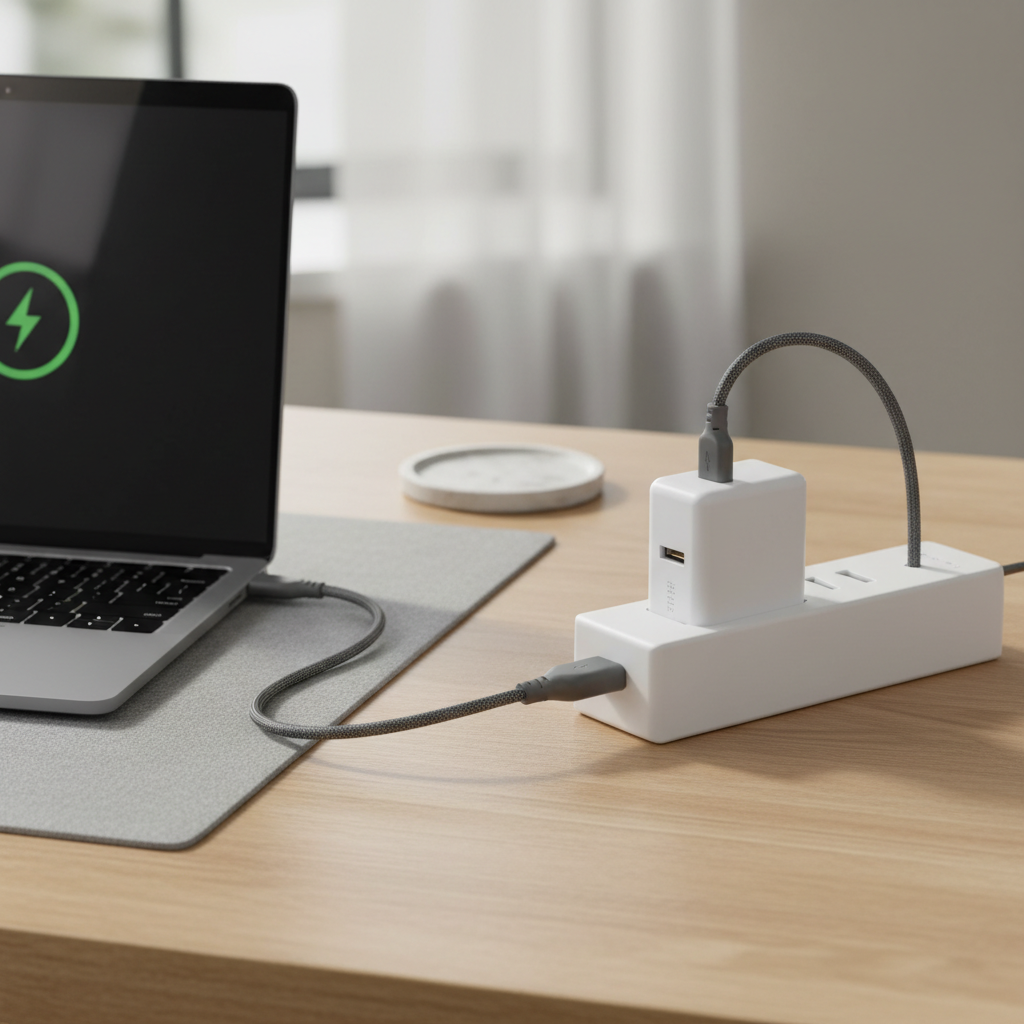
When OEM makes sense even on a budget
If your laptop uses a proprietary connector, supports special charging negotiation, or you rely on it daily for work, OEM often reduces guesswork. It may cost more upfront, but it can save you from random disconnects or firmware warnings that “this adapter can’t provide enough power.”
- Best for: business laptops with dock ecosystems, higher-wattage gaming bricks, devices with smart ID pins.
- How to keep it “budget”: look for OEM refurbished, open-box, or authorized reseller deals.
When a reputable third-party charger is a smart buy
Third-party makes the most sense when specs are straightforward and widely supported, like common 45W–90W barrels or mainstream USB-C PD. The price can be significantly lower, especially if you need a spare for travel.
- Best for: older laptops, secondary chargers, family/shared chargers.
- What to look for: clear labeling, warranty terms, consistent photos, and a seller that lists exact models and specs.
USB-C PD: the modern “one charger for multiple devices” route
If your laptop charges via USB-C, a PD charger can be the cleanest budget move because you can also power a phone, tablet, or portable monitor. Make sure the charger supports the wattage your laptop expects, and pair it with a cable rated for that wattage.
According to USB-IF (the USB Implementers Forum), USB Power Delivery defines standardized power profiles and negotiation over USB-C, which is why correct PD support matters more than just “it fits.”
Quick self-check: are you buying the right replacement?
Use this as a fast filter before checkout. If you can’t answer one of these from the listing, that’s usually your cue to find a different seller.
- Voltage matches? Exact match for barrel chargers, appropriate PD profiles for USB-C.
- Wattage sufficient? Equal or higher than your original adapter rating.
- Connector confirmed? Exact barrel dimensions or confirmed USB-C charging support.
- Seller provides model compatibility list? Not required, but it’s a strong trust signal.
- Return policy reasonable? You want an easy return if it triggers low-power warnings.
- Cable quality looks real? Thick strain relief, not ultra-thin rubber that kinks easily.
Comparison table: how to choose based on your priorities
This table won’t pick a brand for you, but it will keep you from buying the wrong “type” of charger for your situation.
| Option | Typical cost | Pros | Cons | Best for |
|---|---|---|---|---|
| OEM (new) | Higher | Maximum compatibility, fewer warnings | Price, sometimes bulky | Primary work laptop, high wattage needs |
| OEM (open-box/refurb) | Mid | OEM reliability at lower price | Stock varies, check condition | Value buyers who want OEM |
| Third-party barrel | Lower | Affordable, widely available | Connector mismatch risk, quality varies | Older laptops, spare charger |
| USB-C PD charger | Low to mid | One charger for many devices, travel-friendly | Needs correct wattage + good cable | USB-C charge laptops, minimal setup |
Practical buying steps (so you don’t end up returning three chargers)
Here’s the workflow that tends to work in real life, especially when you’re trying to keep the spend reasonable without playing “charger roulette.”
- Step 1: read the original adapter label, note output voltage and amperage, or wattage.
- Step 2: confirm connector type, barrel size or USB-C PD charging support.
- Step 3: decide whether you need an exact match or a flexible setup, like USB-C PD for travel.
- Step 4: buy from a seller with clear specs, warranty, and a return policy that doesn’t feel hostile.
- Step 5: on first use, check for heat, intermittent charging, or “low power” warnings during a heavier task.
For many shoppers, the sweet spot for a best budget laptop chargers replacement purchase is a correctly rated third-party charger for home plus a compact USB-C PD charger for a bag, assuming the laptop supports USB-C charging.

Safety notes and common mistakes (cheap doesn’t have to mean sketchy)
Most charger problems people blame on “bad luck” are actually predictable, wrong connector fit, underpowered wattage, or a cable that overheats because it’s built for less than advertised.
- Mistake: buying by laptop brand only. Many brands use multiple voltages and plugs across model years.
- Mistake: ignoring the cable. With USB-C, the cable rating matters for higher wattage charging.
- Mistake: leaving a questionable adapter plugged in 24/7. If it runs unusually hot or smells off, stop using it.
- Good habit: plug directly into a wall outlet for initial testing, then move to surge protection once stable.
According to UL (Underwriters Laboratories), electrical safety certification is a key part of reducing fire and shock risk for power devices, so it’s worth favoring chargers and power strips that indicate recognized safety testing, especially if you’ll use them unattended.
Conclusion: a “budget” replacement can be solid if you shop by specs
If you match voltage, confirm connector fit, and buy enough wattage, a best budget laptop chargers replacement pick can be both affordable and dependable. The shortcuts that backfire tend to be “universal” listings with vague specs or underpowered adapters that run hot under real workloads.
Action you can take today, check your original adapter label, write down V and W, then shop within that spec window with a return policy you trust. If your laptop supports USB-C PD, consider a compact PD charger as a second, more flexible option.