
Budget mini projectors 2026 can look like a cheat code for small apartments, dorms, and bedrooms, but only if you buy with the room in mind, not the spec sheet alone.
In tight spaces, the usual mistakes show up fast, the image looks washed out at night with one lamp on, the fan noise feels louder because you sit closer, and “wireless” turns into a laggy mess when you try to stream a game or sports.
This guide focuses on what actually matters for small rooms, how to choose a projector that fits your wall distance, and which features are worth paying for when your budget is capped.
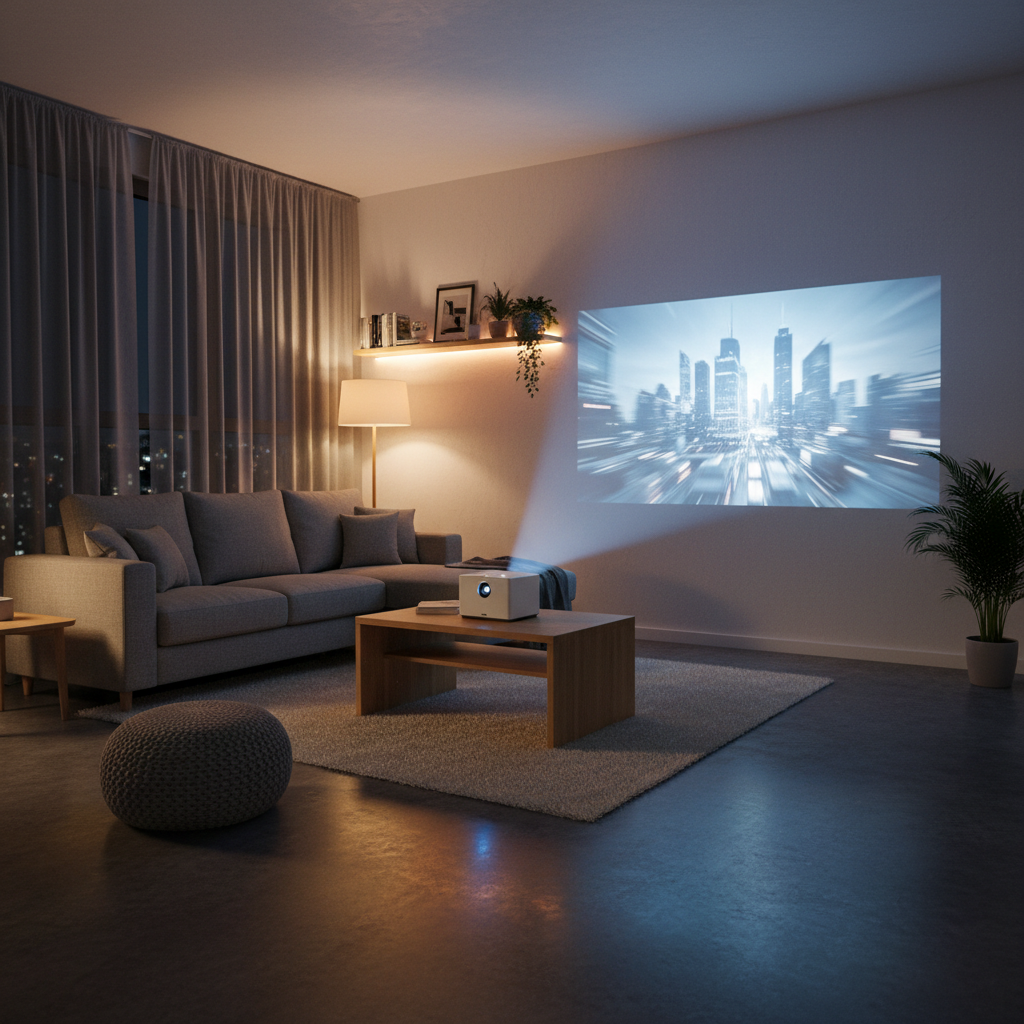
What “small space” changes when you shop
Small rooms don’t forgive mismatches. A projector that’s “fine” in a big basement can be annoying in a studio because everything sits closer together, including you, the wall, and the noise source.
- Throw distance is the gatekeeper, if your wall-to-table distance is 6–8 feet, you can’t shop like someone with 12–14 feet.
- Brightness matters more than marketing terms, many budget models overstate light output, so real-world viewing with any ambient light becomes the issue.
- Audio and fan noise become part of the experience, you’re often within 3–5 feet of the unit.
- Mounting flexibility matters, bedside table, shelf, tripod, and ceiling all change keystone needs and stability.
According to Consumer Reports, brightness and contrast claims can vary widely between brands and testing conditions, so it’s smart to plan around your room and lighting instead of trusting one number.
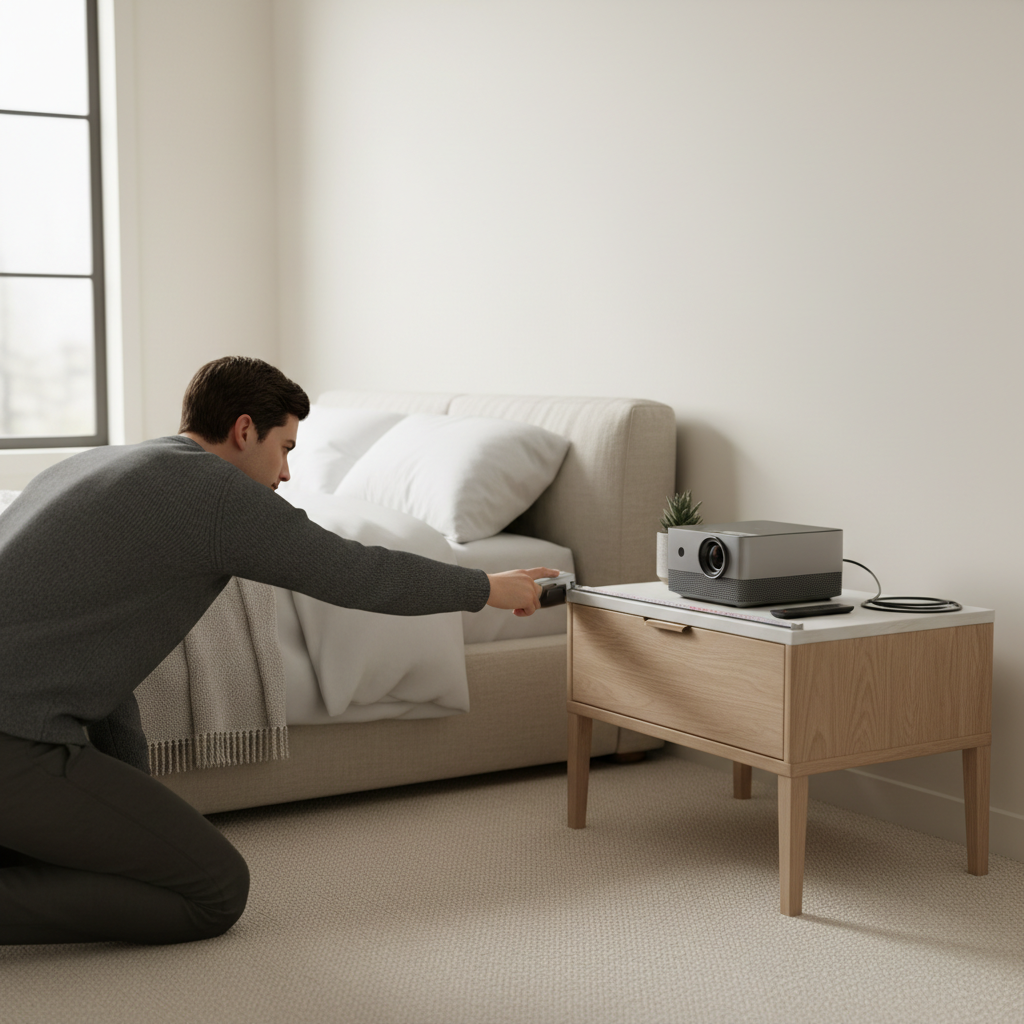
Quick fit check: measure before you buy
If you do one practical thing before shopping, do this. Measure your usable distance and your usable wall, then decide what image size is realistic.
Mini checklist (takes 5 minutes)
- Distance: measure from where the projector can sit to the wall (not the center of the room).
- Wall width: ensure you have enough width for your target diagonal (a 100-inch image needs a wide clear area).
- Ambient light: note if you’ll watch with lights on, a lamp, or daylight leakage.
- Power + placement: do you have an outlet where the projector must live, or will you rely on battery models?
- Content source: streaming apps, HDMI stick, game console, or laptop, each changes what ports and latency you need.
If your distance is limited, prioritize models marketed as “short throw” or with flexible digital zoom, but remember digital zoom can reduce perceived sharpness.
Key specs that actually matter for budget mini projectors
Specs can be noisy. In budget mini projectors 2026, a few priorities tend to separate “fun for one weekend” from “I use it weekly.”
Brightness (real use, not just advertised)
Look for credible brightness info from trusted retailers, established brands, and independent reviewers who show side-by-side footage. If you plan to watch with any ambient light, treat brightness as a top-2 requirement.
Native resolution (not “supported”)
- Native 1080p is the sweet spot for many small-space buyers.
- “Supports 4K” often means it accepts a 4K signal but displays lower native resolution.
Focus and keystone behavior
Auto keystone feels convenient, but in cheaper units it can soften edges or drift. If you’re projecting off-center in a bedroom, stable focus matters more than fancy correction.
Noise and heat
Fan noise specs are rarely standardized. A practical way to think about it, if you’ll sit close, assume you’ll hear it, then choose a unit known for quieter operation and consider using external speakers.
According to U.S. Consumer Product Safety Commission (CPSC), consumers should follow manufacturer instructions for electronics ventilation and placement to reduce overheating risks; don’t tuck a projector into a closed shelf unless the brand explicitly allows it.
A practical shortlist: best picks by small-space scenario (2026)
Instead of pretending one device fits everyone, here are scenario-based picks and what to look for. Model availability changes fast, so treat these as buying “types” you can match to current listings.
| Small-space scenario | What to prioritize | Nice-to-have | Common pitfall |
|---|---|---|---|
| Dorm / shared room | Quieter fan, easy setup, decent speakers | Bluetooth audio out | Too dim with overhead light on |
| Studio apartment living area | Short throw flexibility, 1080p native | Auto focus that holds | Keystone overuse makes image soft |
| Bedroom ceiling projection | Mounting options, stable focus | Angle-adjust stand, sleep timer | Heat buildup near bedding |
| Outdoor patio (occasional) | Brightness headroom, portable power plan | Weather-aware carry case | Underestimating ambient light |
| Gaming in a small room | Low input lag, reliable HDMI | Game mode, 60Hz stability | Wireless casting latency |
- If your wall distance is short, prioritize throw specs and reviews showing 80–100 inch results at your distance.
- If you stream everything, assume built-in smart systems on budget units age quickly, plan for a Roku/Fire TV/Chromecast via HDMI.
- If you hate tinkering, pay a bit more for consistent autofocus and keystone that doesn’t “hunt.”
How to get a better picture in a tiny room (without spending much)
Before returning a projector, try these. A lot of “bad projector” complaints are really setup friction.
1) Control light in the cheapest way possible
- Use blackout curtains or even a temporary light-blocking panel for the window you can’t avoid.
- Turn off overhead lights, keep one warm lamp behind the viewing area.
2) Fix the surface
- A smooth white wall often beats a wrinkled cloth screen.
- If your wall has texture, consider a budget fixed screen or a pull-down screen; texture can make focus look worse than it is.
3) Reduce keystone dependence
Digital keystone is basically image reshaping. It can help alignment, but it may reduce sharpness. When possible, center the lens to the screen and use physical height adjustments instead.
4) Use external audio when fan noise annoys you
Bluetooth speakers can help, but wired 3.5mm or HDMI ARC (if supported) often feels more stable. For gaming, wired audio typically avoids delay.
Common mistakes buyers make in 2026
A few patterns show up every year, and they’re even more costly when you’re shopping tight budgets.
- Buying by “4K supported” and ignoring native resolution and optics quality.
- Expecting daytime performance from an entry-level unit without light control.
- Over-trusting built-in apps, many budget platforms feel slow after updates; HDMI streaming sticks stay simpler.
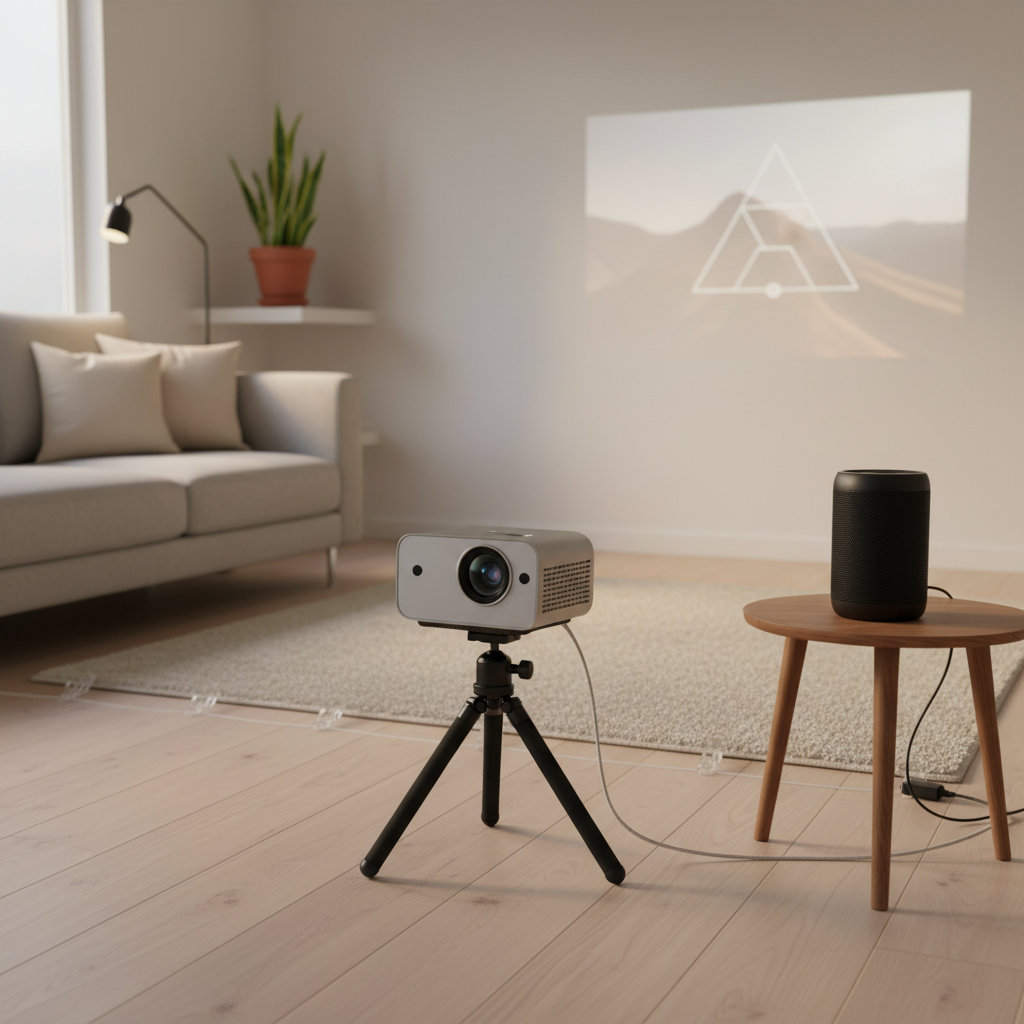
- Assuming all tripods work, some projectors need specific screw mounts or a stable base to avoid micro-shake.
- Forgetting returns and warranty terms, the cheapest listing can be the most painful if support is unclear.
When it’s worth asking for help (or upgrading your plan)
If you’ve tried basic setup fixes and the picture still looks dim or uneven, the problem may be room geometry, a defective unit, or expectations that don’t match the category.
- Persistent blur in one corner can come from lens alignment or uneven surface; an exchange may be more realistic than endless tweaking.
- Headaches or eye strain during viewing can happen for some people with certain refresh/flicker behavior, consider lowering brightness, changing content settings, or consulting a qualified professional if symptoms persist.
- Overheating warnings or hot smells should be treated seriously, stop use and follow the manufacturer guidance, especially in bedrooms.
Key takeaways (so you can buy confidently)
- Measure distance and wall first, small-space fit beats specs hype.
- Prioritize brightness, native resolution, and stable focus over flashy “smart” features.
- Plan a simple source (HDMI streaming stick or console) and treat casting as a bonus, not the foundation.
If you’re comparing options this year, use the scenario table, cross-check throw distance, and only then start weighing extras. That’s usually the quickest path to a setup you actually keep using.
FAQ
- Are budget mini projectors 2026 bright enough for daytime viewing?
Many are usable in dim rooms, but daytime viewing with open blinds is hit-or-miss. If daytime matters, plan for light control or look for higher real-world brightness and strong reviews showing ambient-light tests. - What’s the most important spec for a projector in a small bedroom?
Throw distance and focus stability. In bedrooms, you often can’t move the unit far back, so a model that can reach your target size at short distance matters more than theoretical resolution. - Should I buy a mini projector with built-in streaming apps?
It can be convenient, but budget smart platforms may slow down over time. A common approach is buying for picture quality and using a Roku/Fire TV/Chromecast through HDMI for streaming reliability. - Is wireless screen mirroring good enough for gaming?
Usually not for fast games because latency can be noticeable. A wired HDMI connection is the safer bet if you care about responsiveness. - Do I need a projector screen in a small space?
Not always. A smooth, matte white wall can look great. Screens help when your wall has texture, color, or you want more consistent contrast. - How do I reduce fan noise from a mini projector?
Place it a bit farther if you can, keep vents clear, and use external audio so the fan fades into the background. Avoid enclosing the projector in tight shelves since heat can increase fan speed. - What ports should I insist on for a budget model?
At least one reliable HDMI port and a way to output audio (3.5mm or Bluetooth). USB can be helpful, but HDMI tends to be the most dependable for streaming sticks and consoles.
If you’re trying to choose between a few listings and the specs feel contradictory, a simple approach is to share your room distance, target screen size, and how you watch content, then filter down to the few models that fit your space instead of fighting physics.