
Best budget wireless routers for gaming are all about one thing: stable latency, not headline “speed” numbers. If your matches feel fine off-peak but turn into rubber-banding at night, your router (or its settings) is often the weak link.
Budget gaming routers in 2026 have gotten genuinely better, but the market is also noisier. You’ll see Wi‑Fi 6, Wi‑Fi 6E, even “Wi‑Fi 7-ready” language, plus lots of “gaming” labels that don’t always translate into lower ping.
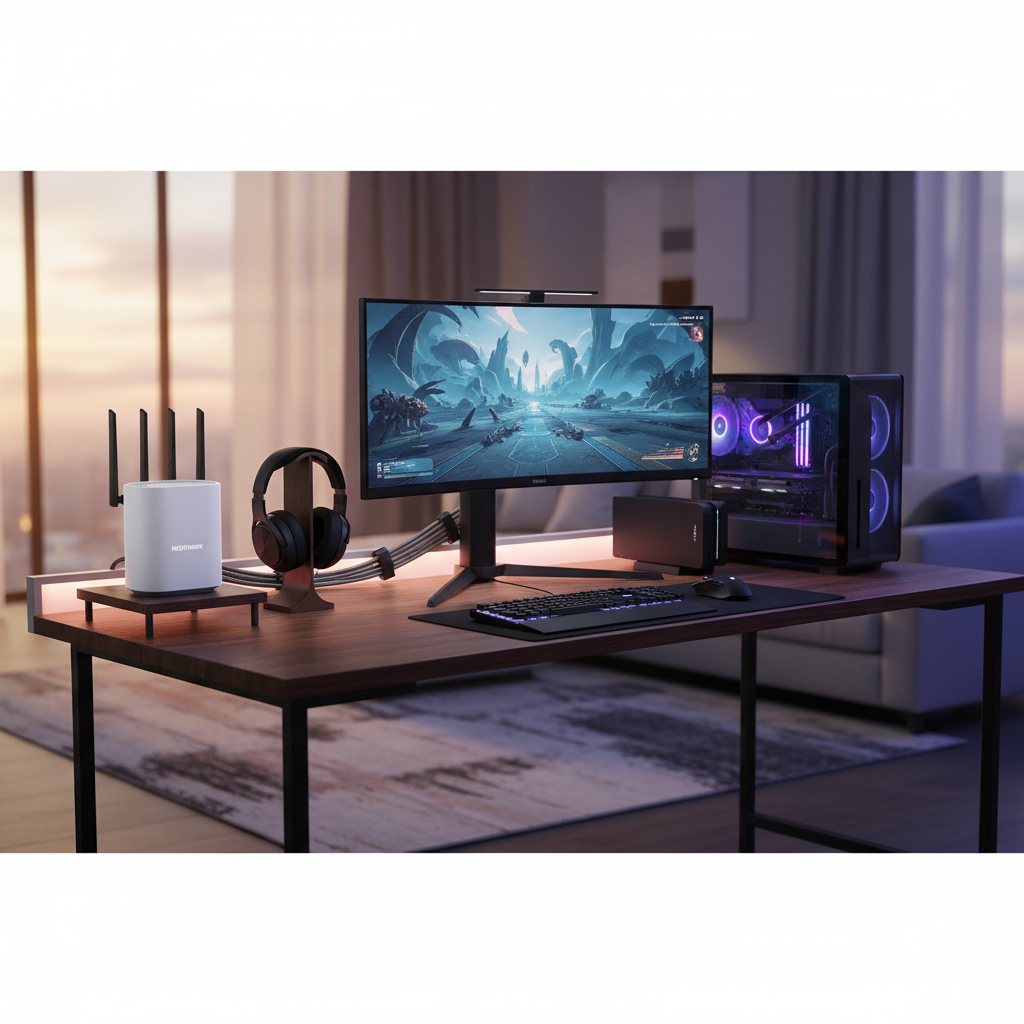
This guide keeps it practical: what specs actually matter for gaming, what to ignore, and a short list of budget-friendly picks by scenario. You’ll also get a setup checklist to reduce spikes and packet loss without buying extra gear.
What “budget gaming router” should mean in 2026
For gaming, a “budget” router is one that can keep your connection consistent under load, even when someone else streams 4K video or downloads a big update. Consistency comes from a mix of firmware features and radio quality, not just a fast Wi‑Fi label.
According to the Federal Communications Commission (FCC), Wi‑Fi performance depends heavily on environment, interference, and device capability, so you should treat advertised speeds as lab conditions, not a promise for your apartment or house.
- Latency stability: fewer ping spikes and less jitter during busy household usage.
- Good QoS: the router can prioritize game traffic or your gaming device reliably.
- Solid 5 GHz (or 6 GHz) radio: short-range, high-quality link beats long-range “maybe” coverage for gaming.
- Wired options: gigabit ports matter if you can Ethernet the console/PC.
Quick picks: best budget wireless routers for gaming by situation
I’m not going to pretend one model fits everyone, because your home layout and your ISP plan will change the outcome. Use these “profiles” to narrow down the best budget wireless routers for gaming without overthinking it.
Pick A: Wi‑Fi 6 dual-band router (best value for most homes)
If you have a typical cable/fiber plan under 1 Gbps and you play on 5 GHz, a good Wi‑Fi 6 dual-band router is still the sweet spot on price. Look for strong QoS controls and a decent CPU, because cheap routers can choke when multiple devices get busy.
- Best for: apartments, small-to-mid homes, 1–2 gamers, mixed devices
- What to look for: OFDMA, MU‑MIMO, QoS with per-device priority
Pick B: Wi‑Fi 6E router (best if you have many neighbors on 5 GHz)
Wi‑Fi 6E adds 6 GHz, which can feel “quiet” compared to crowded 5 GHz in dense areas. It won’t magically reduce your internet ping to a game server, but it can reduce local interference-related spikes.
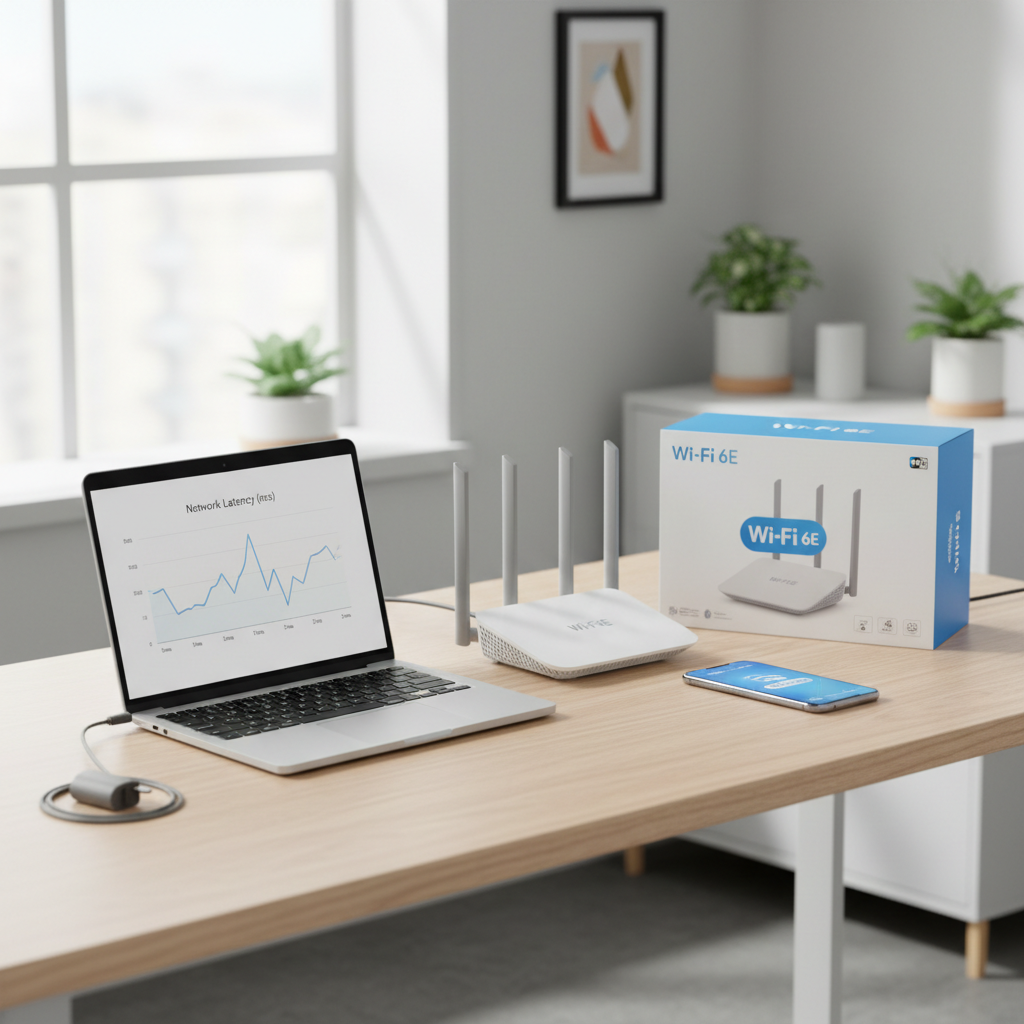
- Best for: condos/apartments, lots of nearby Wi‑Fi networks, newer devices that support 6E
- What to watch: 6 GHz range is shorter; you may need closer placement or a mesh later
Pick C: Budget mesh (best when your “lag” is actually weak signal)
If your gaming setup is far from the router and you’re seeing low signal strength, a budget mesh kit can outperform a single “strong” router. The caveat is that some mesh systems trade raw latency for convenience, so you want ones with solid wired backhaul support.
- Best for: larger homes, dead zones, gaming from a bedroom far from the modem
- Must-have: Ethernet backhaul option if you can run a cable between nodes
Comparison table: features that matter (and what to pay for)
Here’s a simple way to compare candidates without getting trapped in marketing terms. When people ask for the best budget wireless routers for gaming, these are the columns I care about.
| Feature | Why it matters for gaming | Budget-friendly target | When to upgrade |
|---|---|---|---|
| QoS (SQM or adaptive QoS) | Reduces bufferbloat, keeps ping steady when others use the network | Per-device priority, easy presets | If you need advanced SQM tuning |
| Wi‑Fi standard | Efficiency under load, better scheduling for many devices | Wi‑Fi 6 (802.11ax) | Go 6E if 5 GHz congestion is severe |
| Band choice | 5 GHz often faster; 2.4 GHz can be crowded; 6 GHz can be cleaner | Strong 5 GHz radio | Need 6 GHz for dense apartments |
| Ethernet ports | Wired gaming removes Wi‑Fi variability | 1 Gbps LAN ports | 2.5 GbE if you have multi-gig internet or NAS needs |
| Firmware support | Security patches and stability fixes over time | Clear update policy, active app/web UI | If updates stop quickly or bugs persist |
Self-check: are you actually router-limited?
Before you buy anything, check where the problem lives. Many “router issues” are really ISP routing, congested Wi‑Fi channels, or a modem that’s struggling.
- Your ping spikes mainly on Wi‑Fi, but wired feels stable: likely Wi‑Fi interference, placement, or band selection.
- Ping spikes on both wired and Wi‑Fi: could be ISP congestion, modem signal, or upstream routing.
- Lag happens when others stream or download: classic bufferbloat, QoS/SQM can help.
- Only one game feels bad: server region, matchmaking, or game-side netcode may be the cause.
According to Cloudflare, latency and packet loss can come from multiple points between you and the destination, so a faster local Wi‑Fi link won’t always fix a bad path to a specific server.
How to choose the right router without overspending
Shopping for the best budget wireless routers for gaming gets easier when you make two decisions: will you play wired when possible, and do you need 6 GHz. Everything else is detail.
Step 1: Decide your “gaming link” (wired vs wireless)
- If you can run Ethernet, do it. Even a budget router becomes “good enough” faster.
- If you must use Wi‑Fi, keep the gaming device on 5 GHz or 6 GHz, and avoid range extenders that add hops.
Step 2: Match Wi‑Fi standard to your devices
- Wi‑Fi 6: works well for most consoles, PCs, and phones in 2026.
- Wi‑Fi 6E: worth it if your gaming PC/phone supports 6E and your area is crowded.
- Wi‑Fi 7: often priced above “budget,” and you may not feel the benefit unless your whole chain supports it.
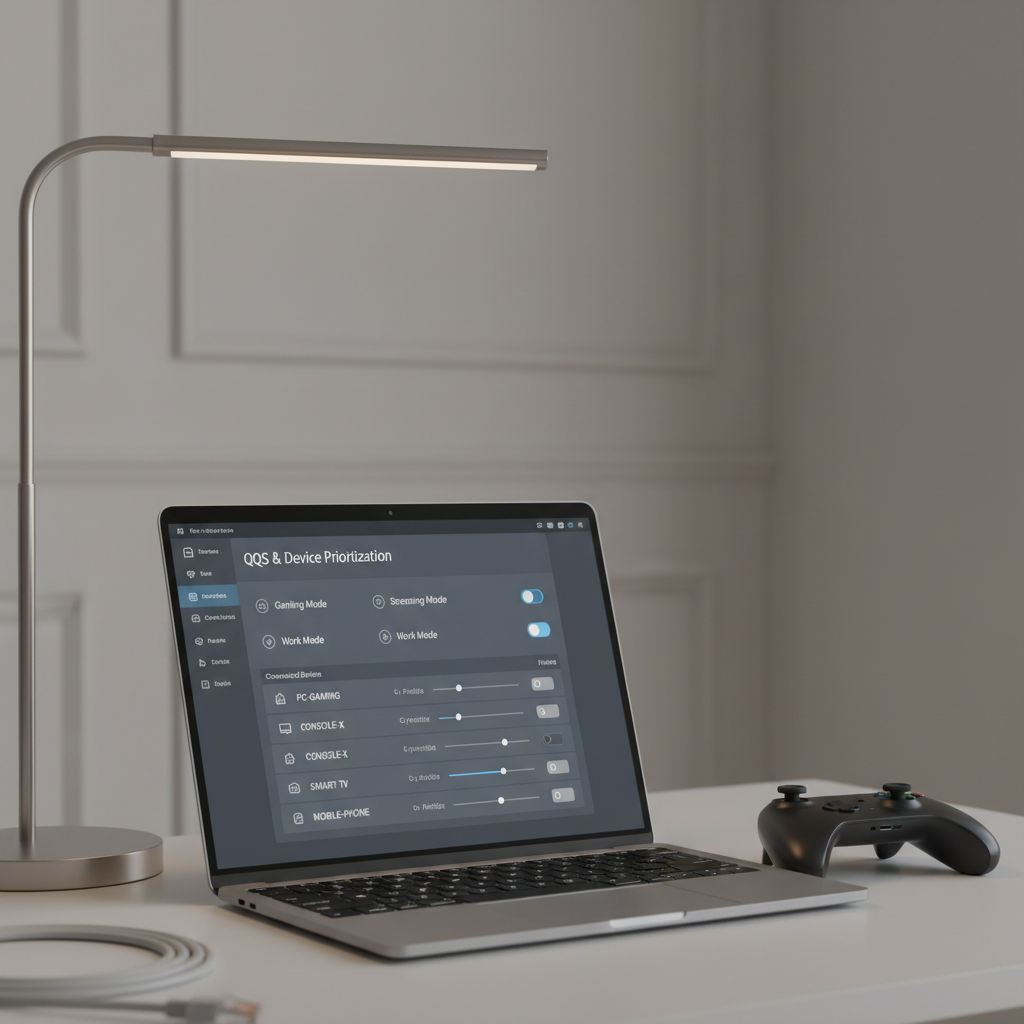
Step 3: Look for QoS you’ll actually use
Some routers offer deep menus but poor defaults, others offer simple toggles that work. If you won’t tune it weekly, pick something with clear device prioritization. A small win, but it adds up.
Also, don’t ignore firmware updates. According to CISA, keeping network devices updated is part of basic cyber hygiene, and router security problems can become stability problems too.
Setup checklist: reduce lag and ping spikes in 30 minutes
This is the unglamorous part, but it’s where many people get the real improvement, even with the same hardware.
- Move the router: higher, more central, away from TVs, microwaves, and metal shelves.
- Split SSIDs: separate 2.4 GHz and 5 GHz names so your console/PC doesn’t cling to 2.4 GHz.
- Pick a cleaner channel: use the router’s auto channel, or manually test a few on 5 GHz.
- Enable QoS: prioritize your gaming device, then set a realistic bandwidth cap if the feature asks for it.
- Turn off “extra” features you don’t need: some traffic monitoring and parental controls add overhead on low-end CPUs.
- Update firmware: do it early, before you start chasing ghost issues.
If you’re on cable internet and see frequent evening spikes even on wired, it may be worth checking modem signal levels with your ISP support, or asking whether node congestion is suspected. That’s not always fixable with a router purchase.
Mistakes people make when buying a budget gaming router
- Chasing max Mbps and ignoring QoS or stability. Gaming traffic is tiny; it’s the timing that matters.
- Assuming “gaming mode” fixes everything. Some modes help, others just change DNS or add marketing flair.
- Upgrading the router while keeping a weak placement. A great router in a bad corner still performs like a bad router.
- Using cheap extenders instead of mesh or Ethernet. Extenders can add latency because they relay frames.
- Forgetting the modem. If your modem is outdated or unstable, even the best budget wireless routers for gaming won’t feel great.
Conclusion: what to buy, then what to do next
If you want a clean, sensible default, a Wi‑Fi 6 dual-band router with usable QoS is still the safest “budget” buy in 2026, and it’s usually the best starting point for smoother matches. If you live in a dense building and your devices support it, Wi‑Fi 6E can be a practical step up, but only if your gaming setup sits close enough to benefit.
Action-wise, do two things this week: wire your gaming device if you can, then set up QoS and a dedicated 5 GHz/6 GHz connection. Those moves often beat shopping for a pricier box.
FAQ
What’s the difference between a regular router and a gaming router?
Usually it’s firmware features like QoS presets, device prioritization, and sometimes more powerful hardware. A “gaming” label alone doesn’t guarantee lower ping, but good QoS can reduce spikes when your network is busy.
Do I need Wi‑Fi 6E for gaming in 2026?
Not always. If your 5 GHz environment is clean and your device sits near the router, Wi‑Fi 6 can feel just as good. 6E becomes more appealing in apartments where 5 GHz channels are crowded and your gaming device supports 6E.
Is Ethernet still better than Wi‑Fi for competitive gaming?
In most homes, yes, because it removes interference and most wireless variability. If running a cable is realistic, it’s the cheapest “upgrade” you can make.
What router setting helps most with lag when someone is streaming?
QoS or SQM-style features are the usual fix because they manage queueing and reduce bufferbloat. The exact name varies by brand, so look for per-device priority and bandwidth management, then test during peak usage.
How do I know if my router CPU is too weak?
If your ping jumps dramatically during downloads, the admin page feels sluggish, or QoS features cause slowdowns, the router may be underpowered. That’s when a newer budget model with a stronger chipset can help.
Will a mesh system increase ping?
It can, depending on placement and whether nodes use wireless backhaul. A well-placed mesh with wired backhaul often performs very well, but a poorly placed wireless node can add latency and instability.
Can changing DNS reduce ping in games?
Sometimes it helps with faster matchmaking lookups, but it rarely changes your in-game latency much. If a router’s “gaming DNS” is the only feature, keep expectations modest.
What internet speed do I need for online gaming?
Gaming typically uses modest bandwidth; stability matters more than raw speed. If your upload is very low or you have frequent packet loss, you may want to troubleshoot with your ISP before assuming it’s a router problem.
If you’re trying to pick between a few models and want a faster path, list your ISP speed tier, home size, and whether your setup can use Ethernet, then you can narrow to one or two routers that fit your budget without guessing.