
Budget wireless mice 2026 are good enough for everyday office and home use, but only if you know which specs actually matter and which ones are marketing noise.
If you have ever bought a “cheap wireless mouse” that stuttered, burned through batteries, or felt like sandpaper on your fingertips, you already know the trap, price alone does not tell you much. The best picks at lower prices usually come from brands that already nailed sensor tuning, wireless stability, and long-term switch quality, then trimmed extras you may not need.

This guide focuses on what tends to work for most people in the US: reliable 2.4GHz connection for work calls, comfortable shape for long sessions, and battery life you do not have to babysit. I also include a quick table, a self-check list, and a short “buy this if you…” section so you can decide without overthinking.
Quick picks: best budget wireless mice for office and home
You can absolutely go deeper than this, but many readers just want a short list that matches real usage. These categories cover most desks.
- Best overall value: Balanced shape, stable wireless, decent feet, simple buttons
- Best for small hands: Shorter length, lighter clicks, easy reach to side buttons
- Best for big hands: Taller hump, wider grip, less finger strain
- Best for travel: Compact, Bluetooth option, quiet clicks, solid battery
- Best for quiet office: Silent or low-noise switches, still responsive
When you compare options, treat “gaming” labels carefully. Some gaming mice are great values, others waste budget on RGB instead of comfort or durability.
Comparison table (what to compare before you buy)
This is the short version of what actually changes day to day. You can use it like a checklist while browsing Amazon, Best Buy, or direct brand stores.
| What to check | What’s usually good enough | Watch out for |
|---|---|---|
| Wireless type | 2.4GHz USB dongle for stability, Bluetooth for travel | Bluetooth-only if you hate occasional wake-up delay |
| Sensor + tracking | Consistent tracking on your desk surface | Random cursor jumps, especially on glossy desks |
| Shape | Comfort for your grip style (palm, claw, fingertip) | Buying “popular” shapes that cramp your hand |
| Clicks | Crisp, not too heavy, not mushy | Very loud switches for shared offices |
| Battery | Weeks to months, or USB-C rechargeable | Odd charging ports, no auto-sleep, battery drain |
| Scroll wheel | Defined steps, not wobbly | Loose wheel, inconsistent scrolling in spreadsheets |
Why “cheap” wireless mice disappoint (and what’s different in 2026)
The biggest difference between frustrating and “I forgot I even bought this” often comes down to basics manufacturers can either do well or do poorly.
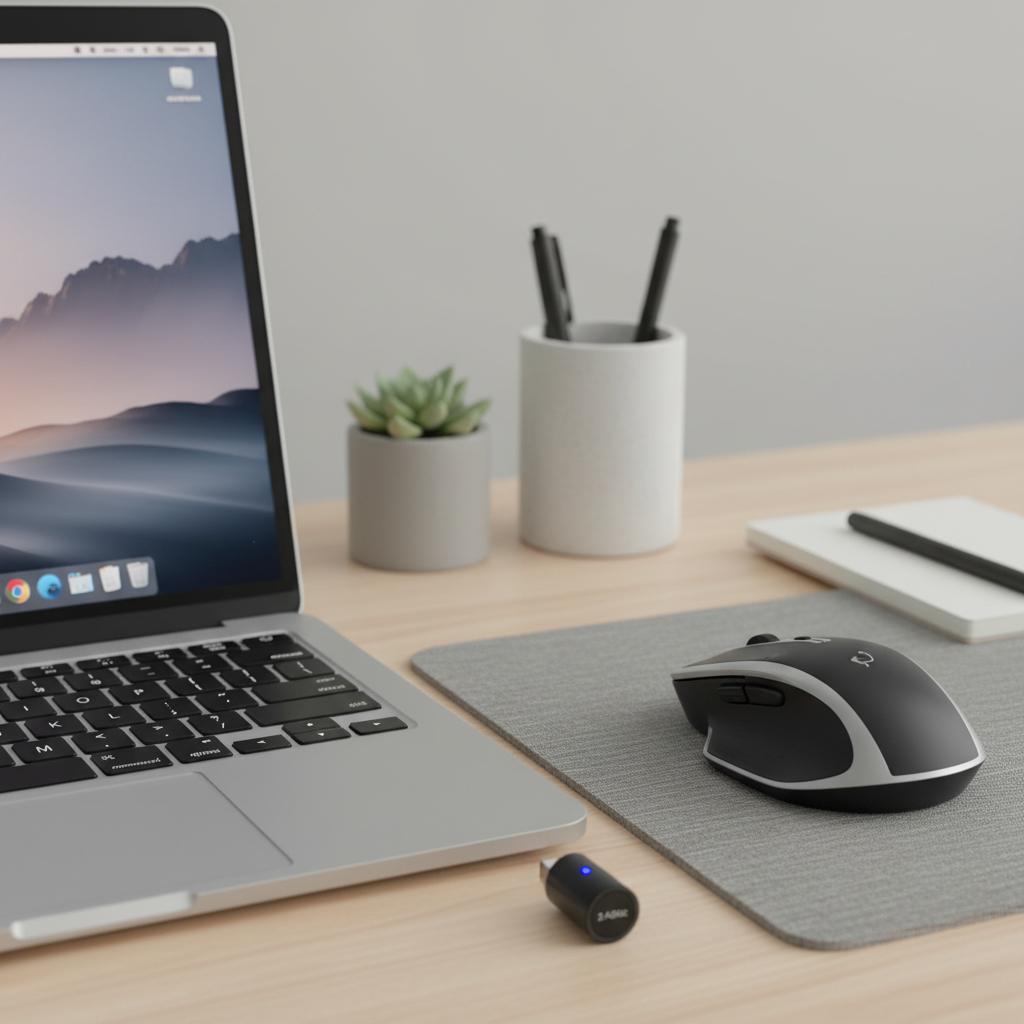
- Wireless stability: Low-cost models sometimes use weaker radios or sloppy firmware, you feel it as lag when your Wi‑Fi is busy or when the dongle sits behind a metal laptop stand.
- Switch quality: Cheap switches can develop double-click issues or inconsistent feel. You do not need premium switches, you need consistent ones.
- Feet and weight balance: Scratchy glide and uneven weight distribution makes even a good sensor feel bad.
- Power management: Some mice “sleep” too aggressively, others barely sleep at all. Either way, you get annoyance, battery swaps, or both.
In 2026, more entry-level models borrow better sensors and power management from midrange lines, so the floor is higher than a few years ago. The catch is that the market is crowded, and listings can look identical, which is why a quick self-check helps.
Fast self-check: which type of mouse do you actually need?
If you get this part right, buying becomes simple. If you skip it, you tend to overpay for features you will never use, or you underbuy and hate the feel.
1) Your primary use
- Email, docs, Zoom: Prioritize comfort, quiet clicks, and stable 2.4GHz
- Spreadsheets, editing: Better scroll wheel matters more than max DPI
- Mixed work + casual gaming: Look for a solid sensor and predictable clicks, keep the shape comfortable
- Travel + laptop: Bluetooth is nice, compact shape, long battery
2) Your hand size and grip (quick test)
- If your palm rests on the mouse, you likely want a taller hump and longer body.
- If you grip with curled fingers, you can go shorter, but you still want side buttons within reach.
- If you use fingertips only, lighter and smaller often feels better, but avoid slippery shells.
3) Your workspace reality
- Shared office: Favor quieter switches and a wheel that does not rattle.
- USB ports are scarce: Bluetooth (or a tiny dongle) becomes more valuable.
- Glass or glossy desk: Many mice struggle, a mouse pad usually fixes it fast.
How to choose budget wireless mice in 2026: specs that matter
There are dozens of spec lines on product pages, but only a few reliably change your day-to-day experience.
Wireless connection: 2.4GHz vs Bluetooth
- 2.4GHz dongle: Usually the most responsive and stable for office work and casual gaming.
- Bluetooth: Convenient for tablets and travel, sometimes slightly more delay or wake-up lag.
- Dual-mode: Nice if you bounce between a work laptop and home PC.
According to Federal Communications Commission (FCC) consumer guidance on wireless devices, interference can affect performance depending on environment and device design, which is why placement matters. In practice, a USB extension cable to move the dongle closer can solve a surprising amount of “lag.”
Ergonomics: comfort beats “cool”
Office and home use is mostly repetitive movement, comfort shows up after week two, not during the unboxing. If you have wrist discomfort or forearm tension, consider an ergonomic vertical mouse, but if pain persists, it is reasonable to consult a clinician or ergonomics specialist.
Battery: rechargeable vs replaceable
- Replaceable AA/AAA: Often lasts a long time, easy swap, great for forgetful chargers.
- Rechargeable (USB-C preferred): Convenient, less waste, but check charge time and whether you can use it while charging.
For budget wireless mice 2026, I usually treat USB-C as a quality signal, not a guarantee, some models still cheap out on internal battery management.
Practical setup tips (these fix most “my mouse feels bad” issues)
Before you return anything, try the boring fixes. They are boring because they work.
- Move the receiver: Plug the dongle into a front USB port, or use a short USB extension so it is closer to the mouse.
- Clean the sensor window: Dust on the sensor lens can cause odd tracking.
- Use a simple mouse pad: Especially on glossy desks or uneven wood grain.
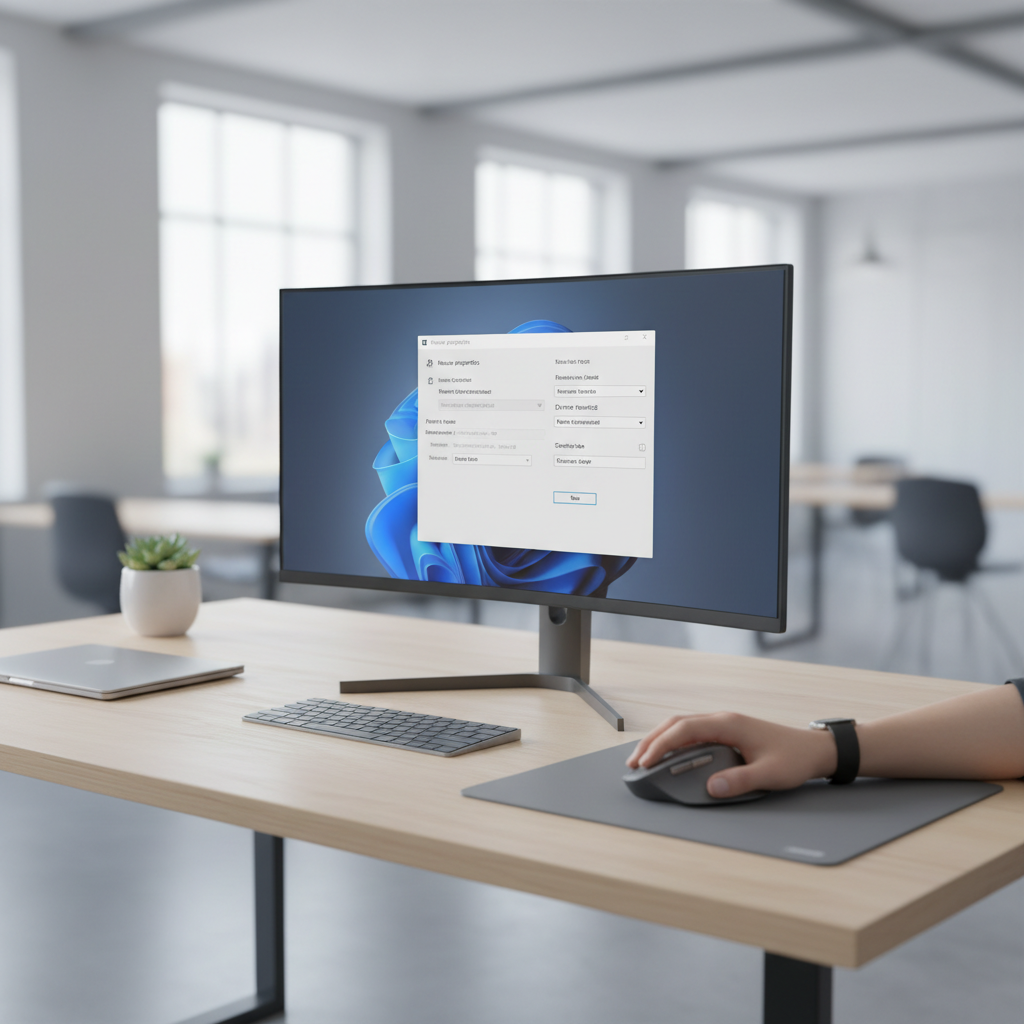
- Adjust pointer speed: On Windows, tune speed and turn off “Enhance pointer precision” if you want more predictable movement.
- Update software only if you need it: Button remapping can be useful, but some vendor apps are heavy, install with intention.
Common mistakes buyers make (and how to avoid them)
- Overweighting DPI: High DPI numbers sell mice, but office comfort depends more on shape, wheel, and stable tracking.
- Ignoring click noise: Silent models are not only for libraries, they also reduce fatigue in open-plan offices.
- Buying the smallest travel mouse for full-time work: Compact is great in a bag, less great for eight-hour days.
- Assuming all Bluetooth is equal: Some laptops handle Bluetooth better than others, dual-mode gives you a backup.
- Not checking return policy: Fit is personal, a solid return window matters more than one extra feature.
If your goal is a clean “buy once, stop thinking about it” choice, focus on a comfortable shell, proven connectivity, and a scroll wheel you can stand in spreadsheets.
Conclusion: a simple buying rule for 2026
If you want budget wireless mice 2026 that feel reliable at home and in the office, pick your shape first, then choose stable wireless, then worry about extras like multi-device pairing or silent clicks. That order saves money and avoids most regret.
Action steps: measure your comfort by grip and hand size, decide whether you prefer 2.4GHz, Bluetooth, or both, then shortlist 2–3 models and buy from a seller with easy returns.
Key takeaways
- Comfort and wireless stability beat flashy specs for most people.
- 2.4GHz dongle is still the safest pick for lag-free office work.
- A mouse pad and receiver placement solve many tracking complaints fast.
FAQ
What should I look for in budget wireless mice 2026 for office work?
Prioritize a comfortable shape, reliable 2.4GHz connection, and a scroll wheel that feels consistent. If you share a workspace, quiet clicks can matter more than extra buttons.
Is Bluetooth good enough for a work mouse in 2026?
Often yes, especially for travel and minimalist laptop setups. If you notice wake-up delay or occasional stutter, dual-mode models let you switch to a dongle when you need stability.
Do I need a high DPI mouse for spreadsheets and daily browsing?
Not usually. Comfortable control comes from pointer speed settings and steady tracking, not extreme DPI numbers that you never use.
Why does my wireless mouse lag only sometimes?
Interference, dongle placement, low battery, or crowded USB environments can all contribute. A quick test is moving the receiver closer with a USB extension and swapping batteries or recharging.
Are silent wireless mice less responsive?
Many are responsive enough for office and home. The tradeoff tends to be click feel, some silent switches feel softer, so it depends on what you like.
What’s better: rechargeable or AA battery mice?
AA/AAA models are low-maintenance and easy to keep running. Rechargeable models are convenient if you already charge devices at your desk, just confirm you like the port and charge behavior.
When should I consider an ergonomic or vertical mouse?
If you feel recurring wrist strain, numbness, or forearm tension, an ergonomic shape can help in many cases. If symptoms continue, it is smart to consult a medical professional or ergonomics specialist for personalized advice.
If you are trying to outfit a home office on a tight budget, or you want to standardize mice for a small team without overpaying, a short curated shortlist based on your grip, connectivity needs, and noise tolerance will usually get you to a dependable pick faster than scrolling through endless spec sheets.